01Starting Soon00:00:00
Doors open
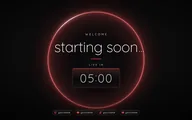
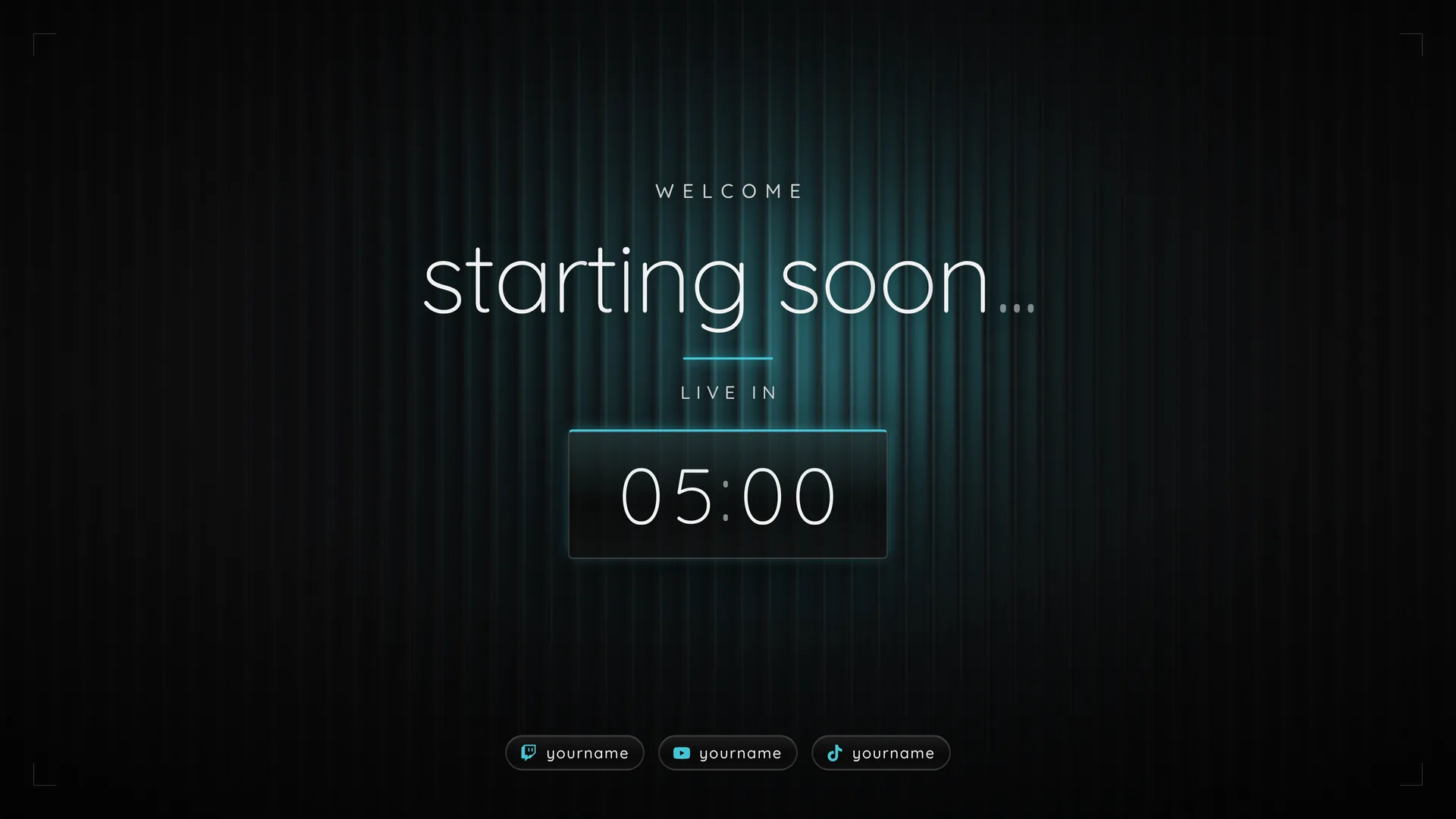
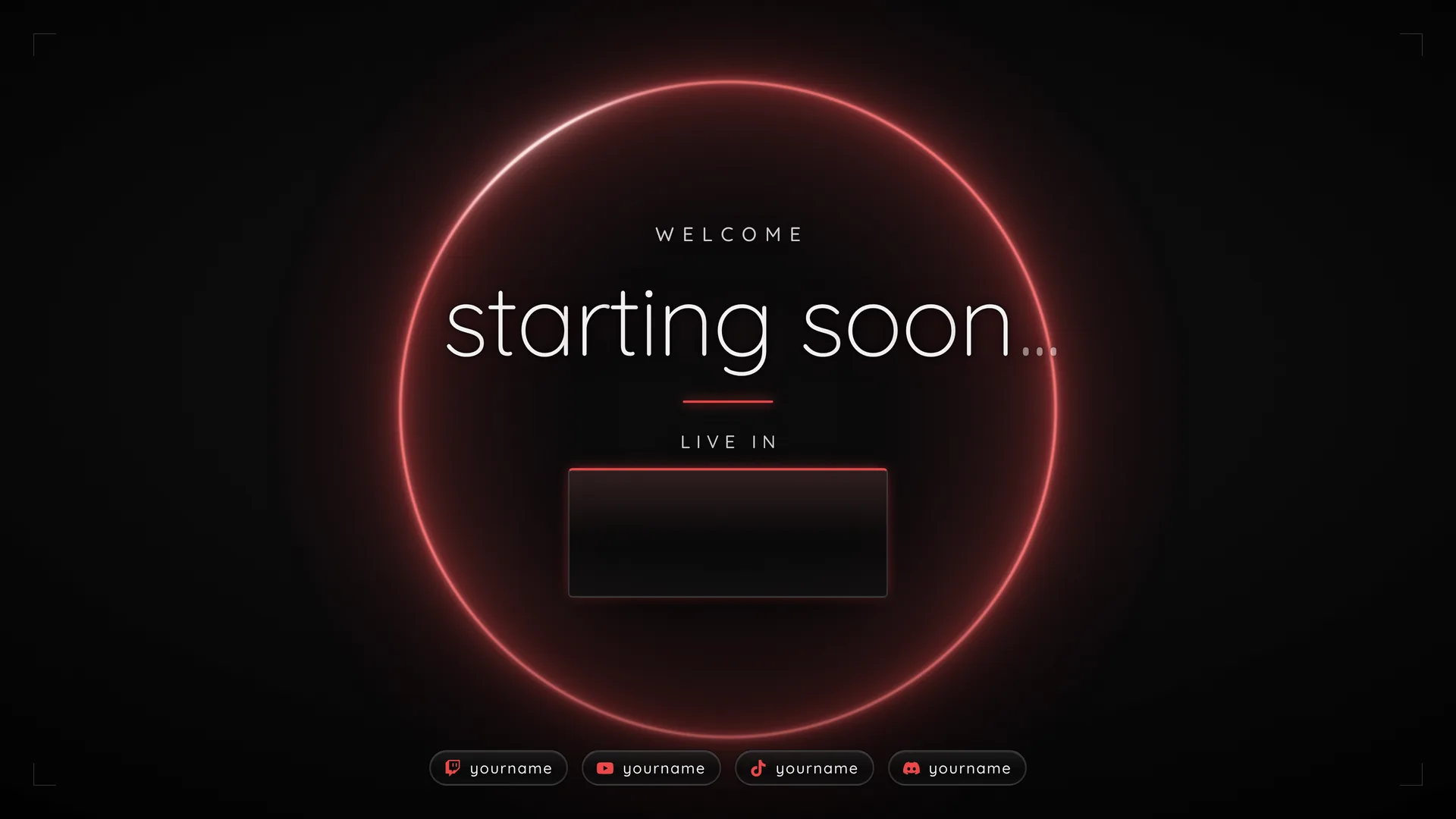
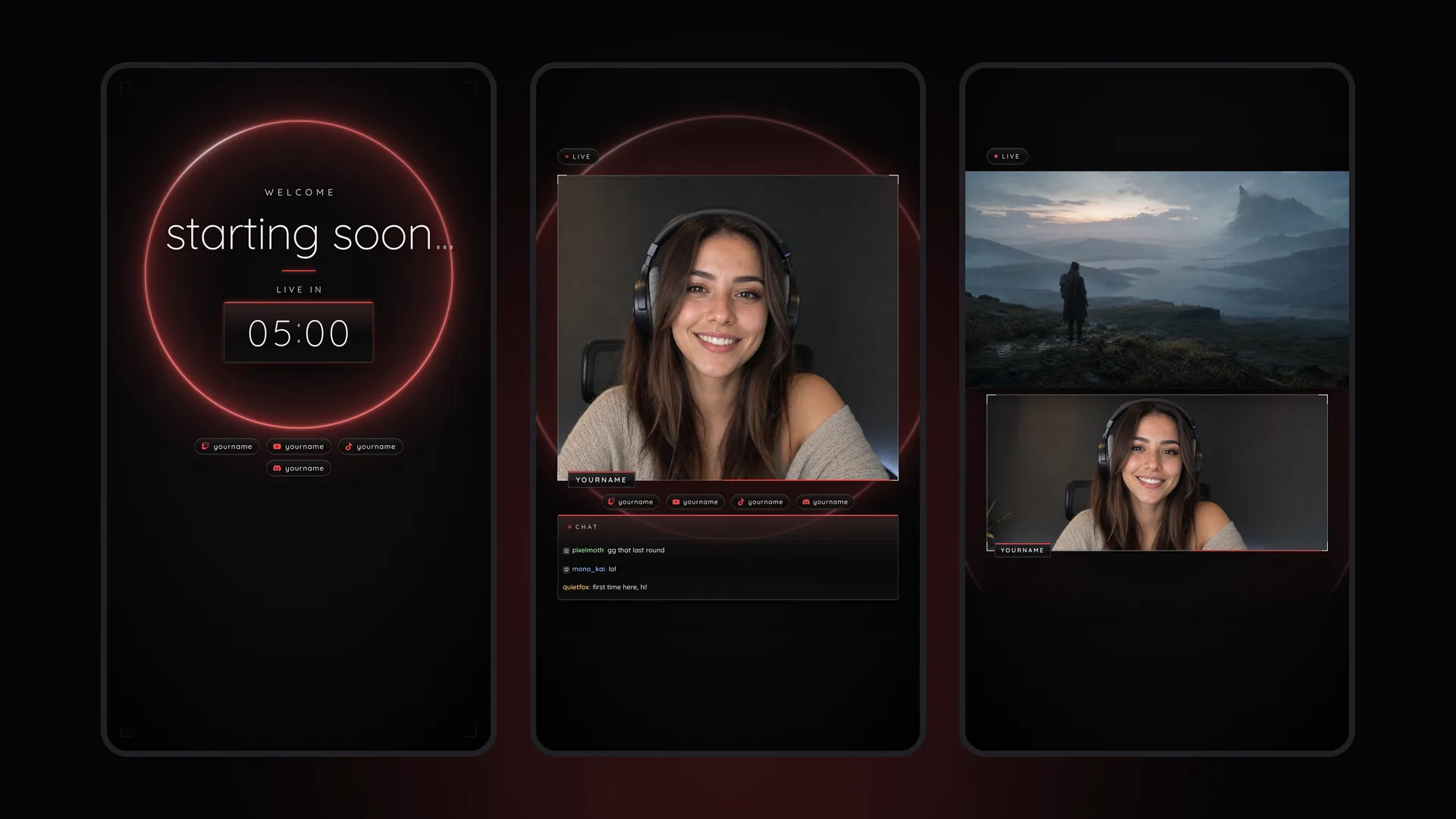
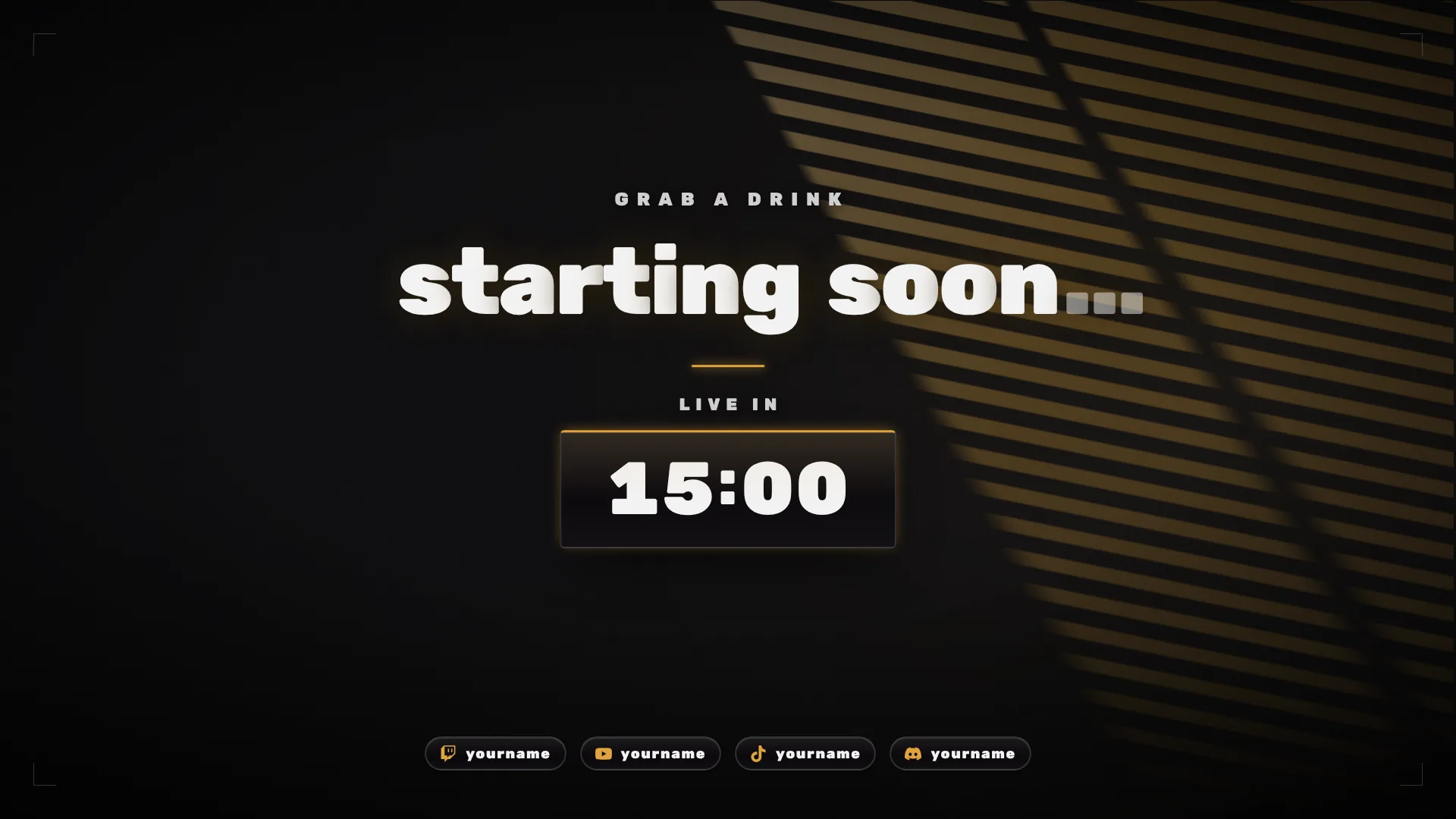
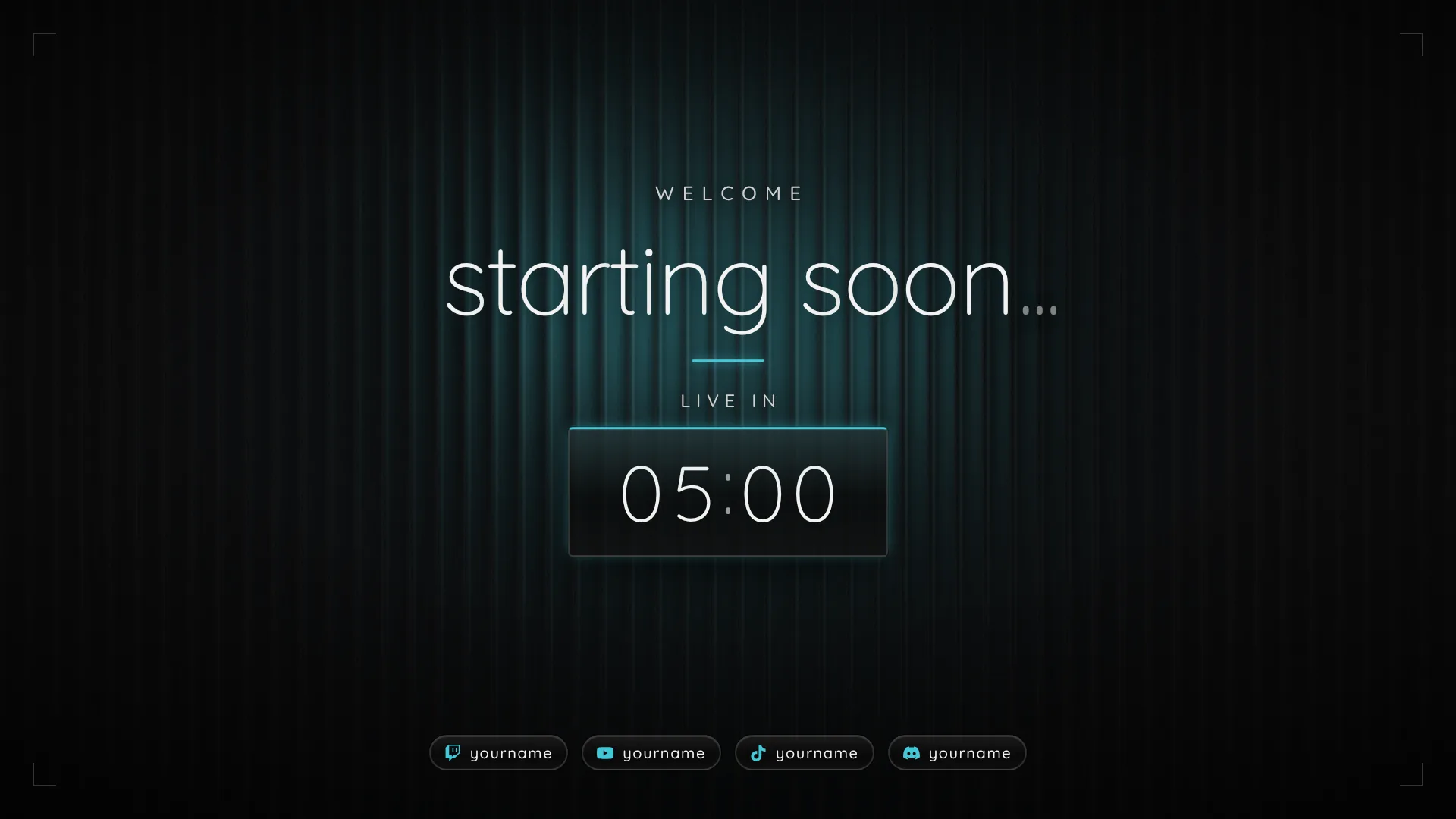
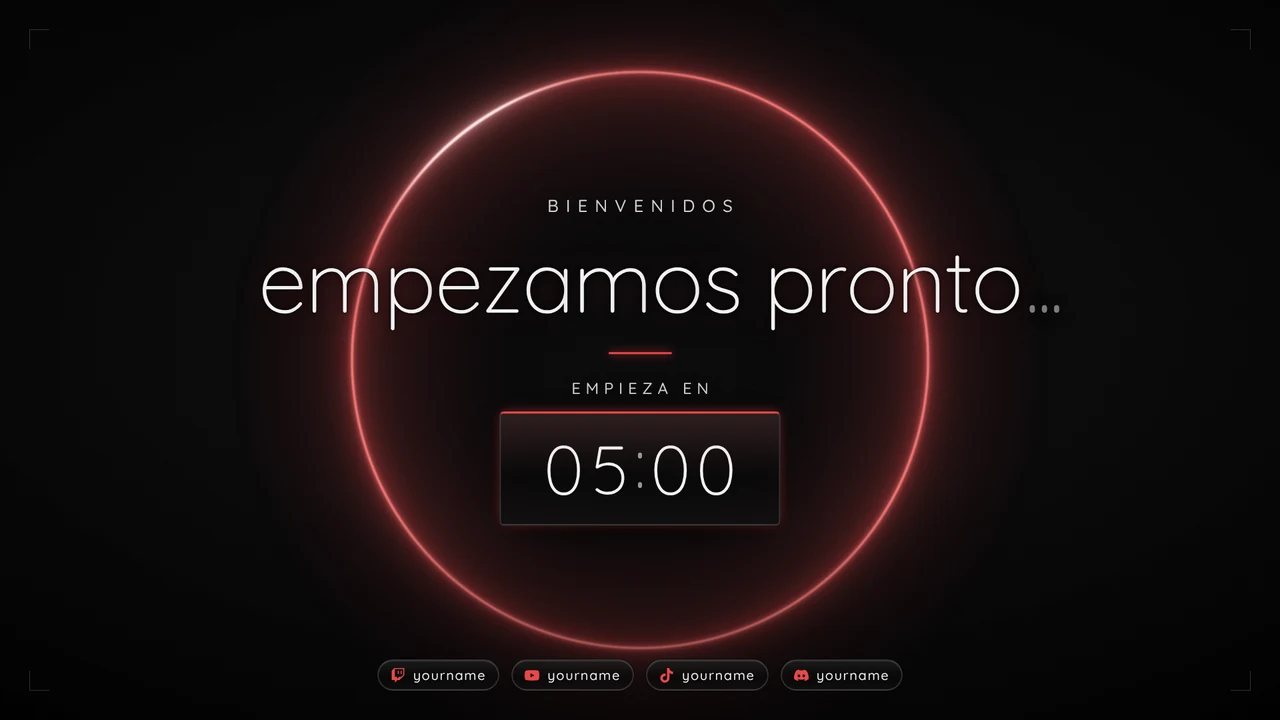
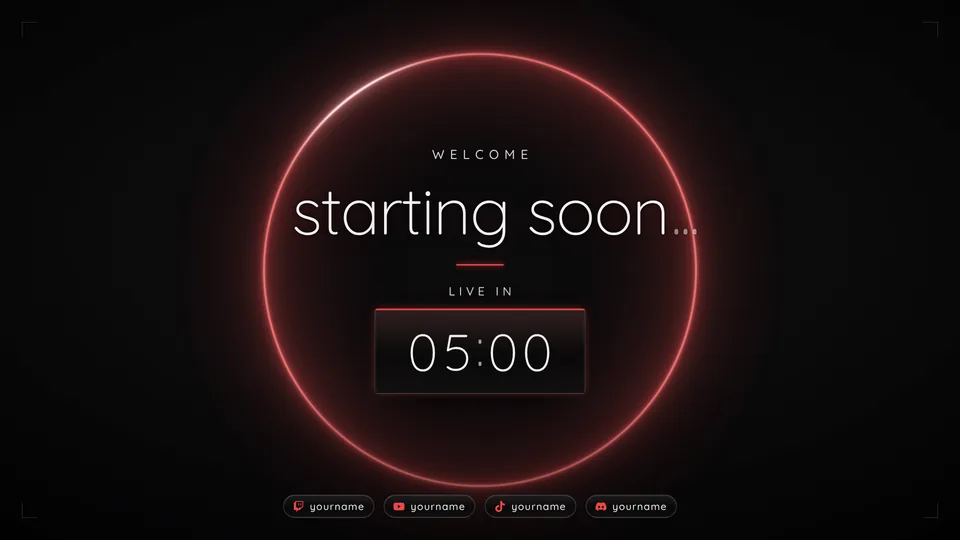
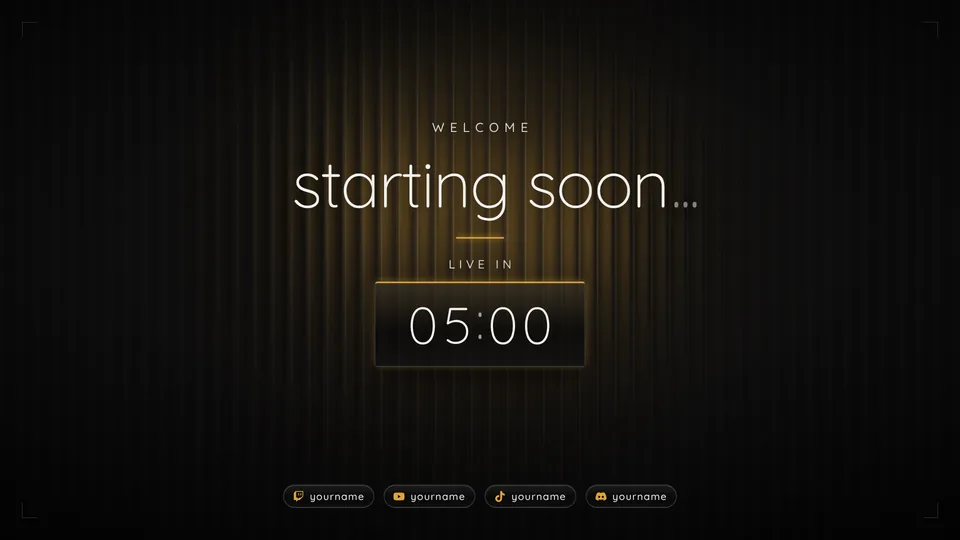
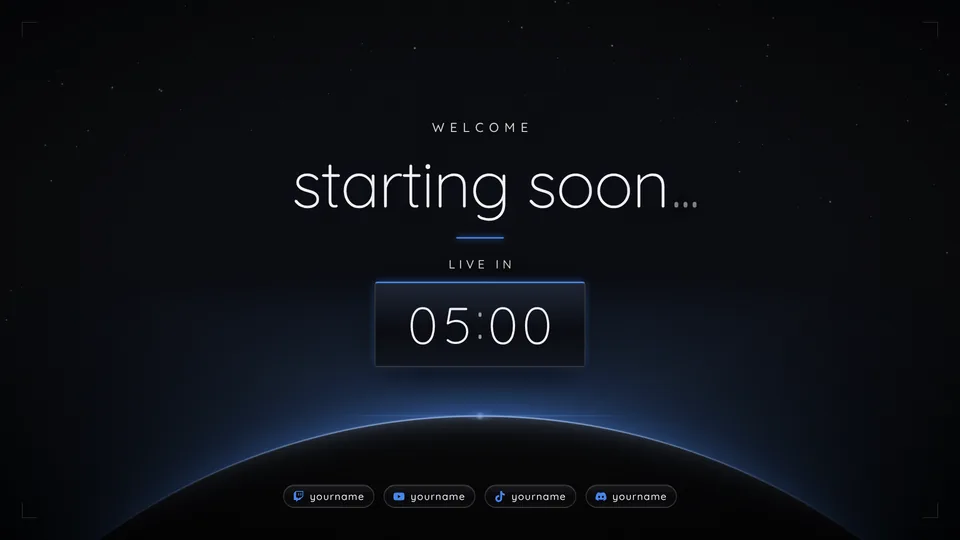
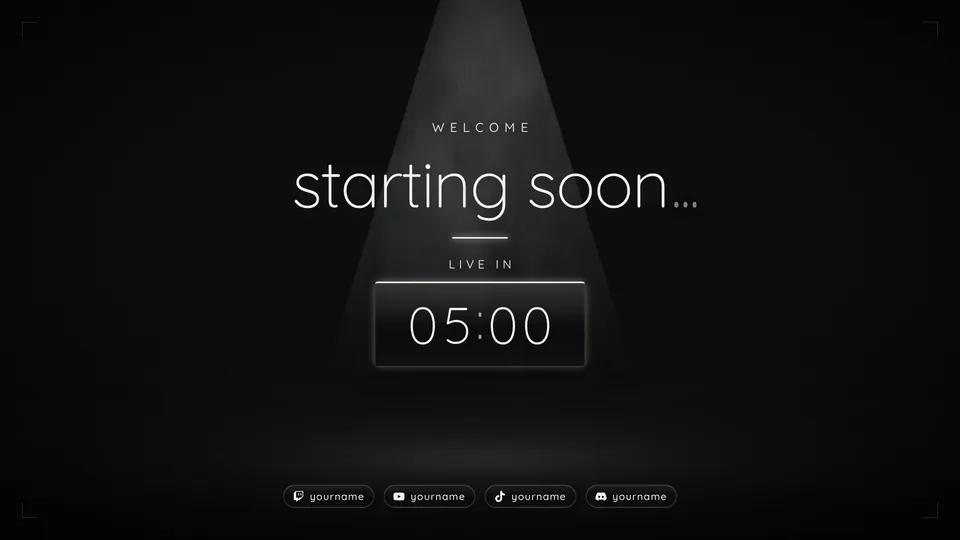
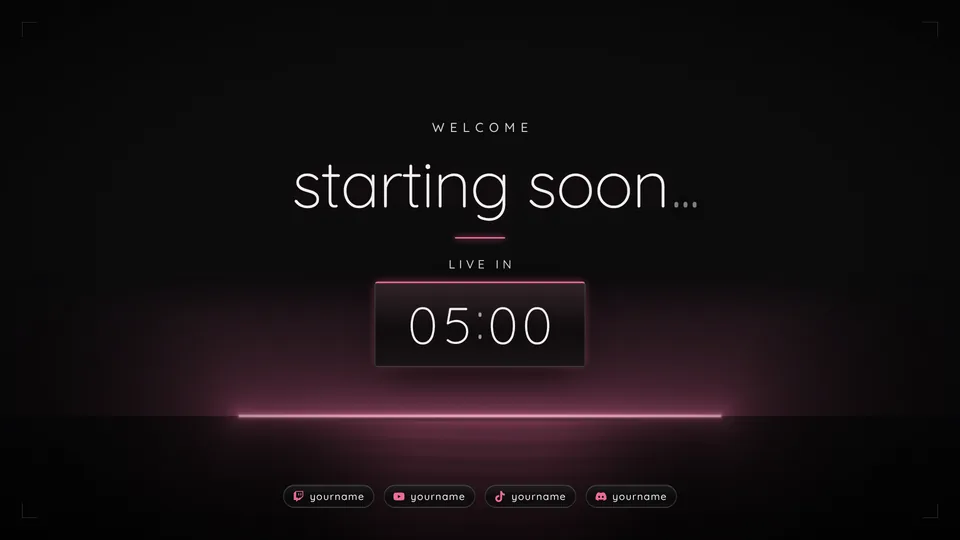
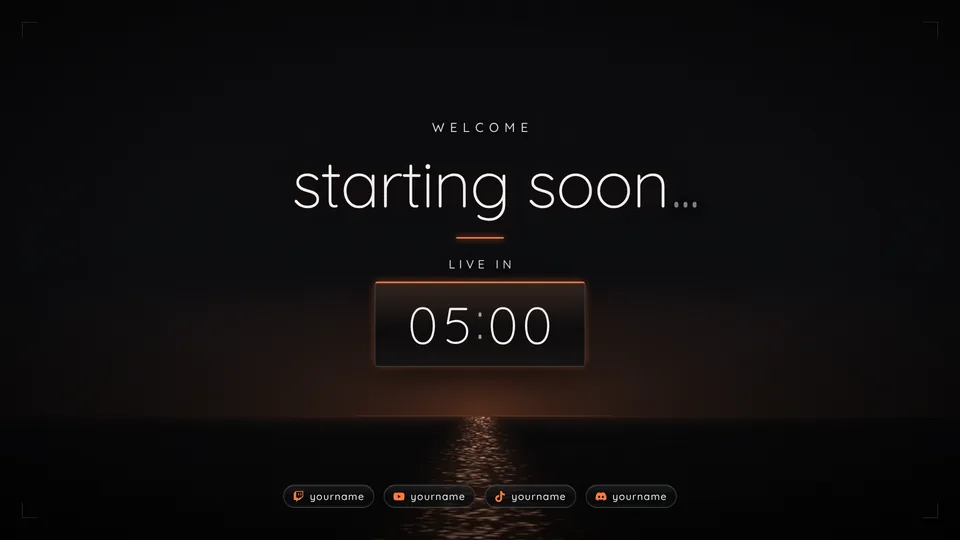
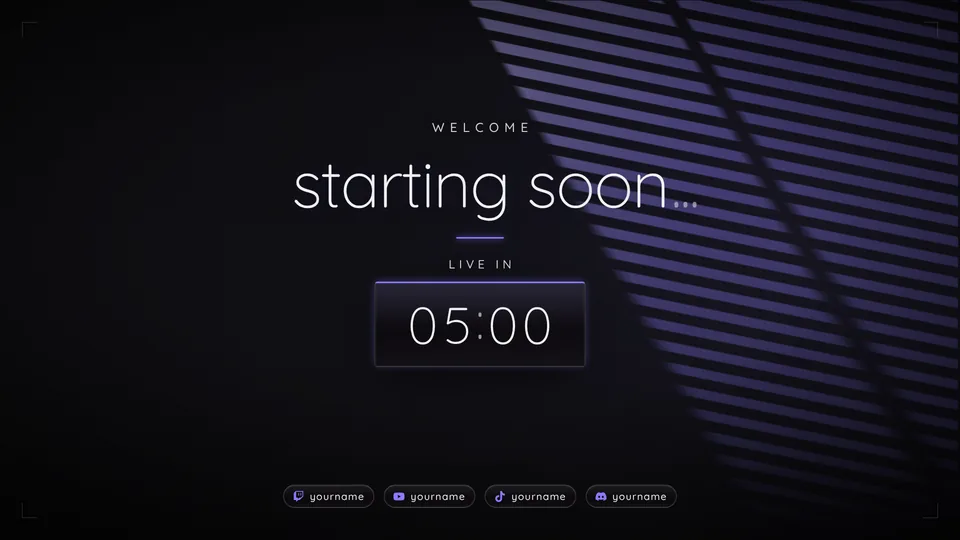
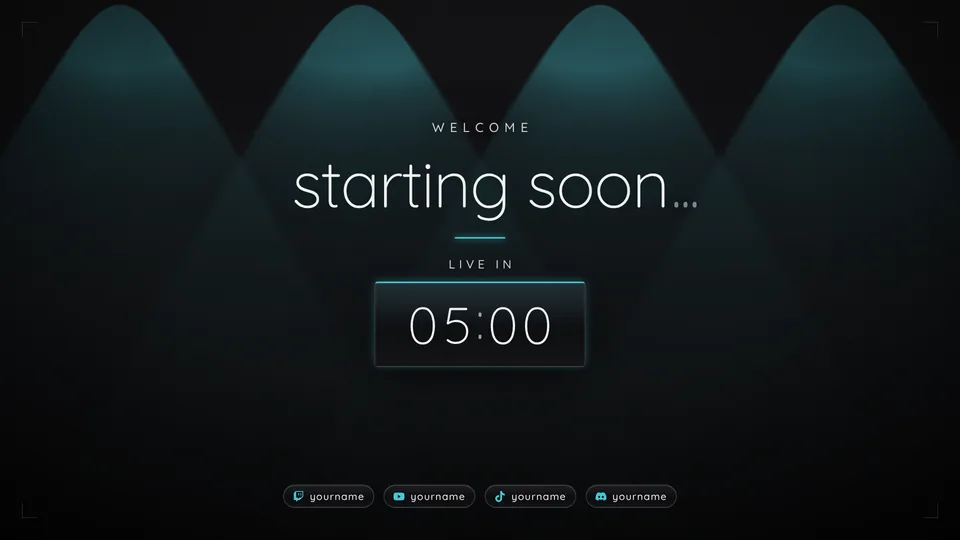
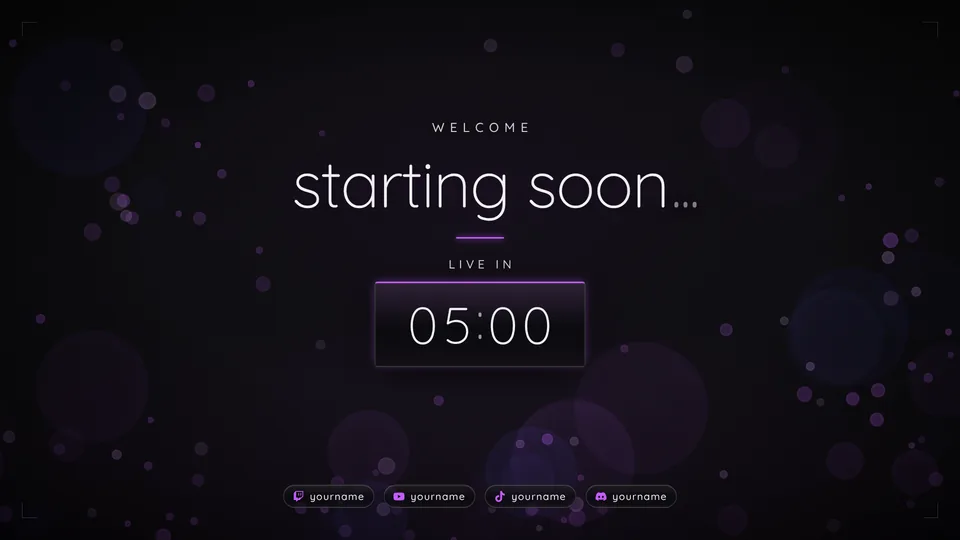
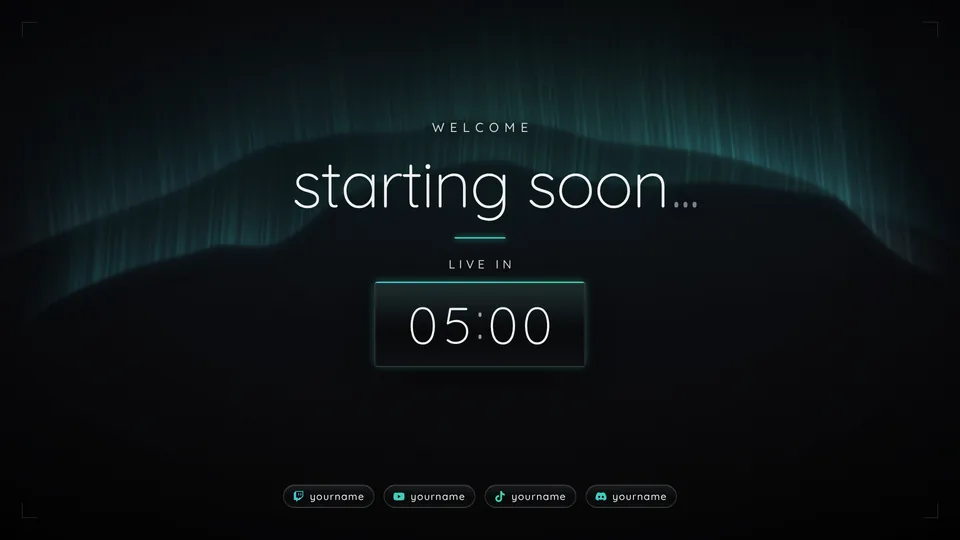
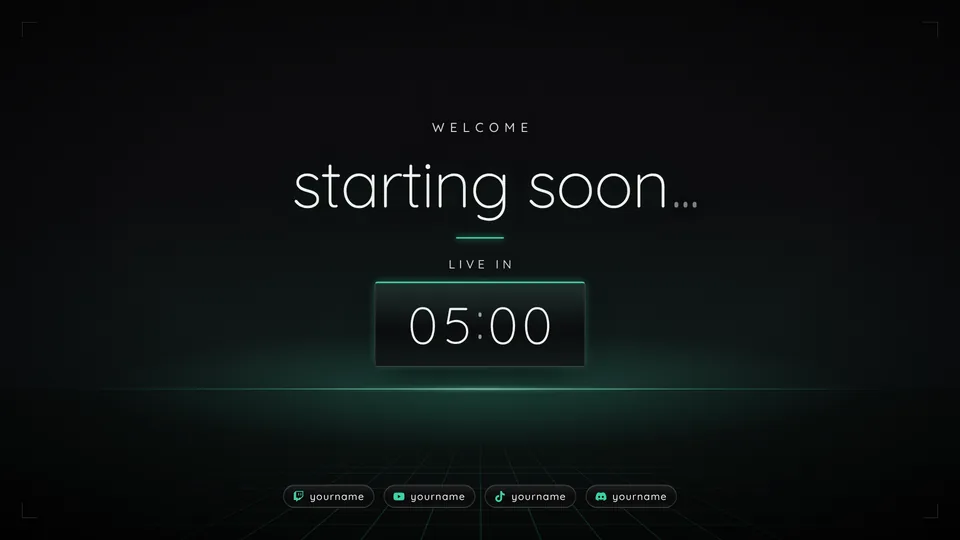
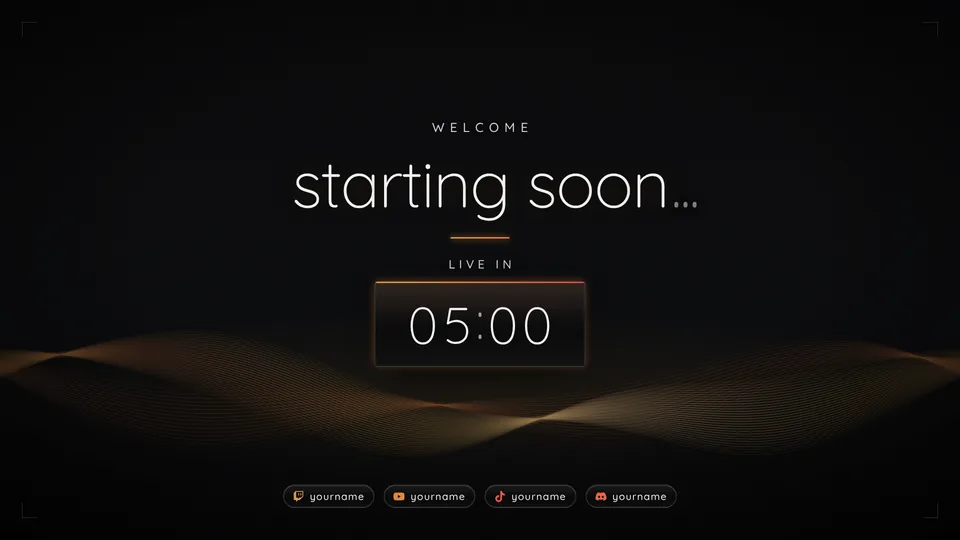
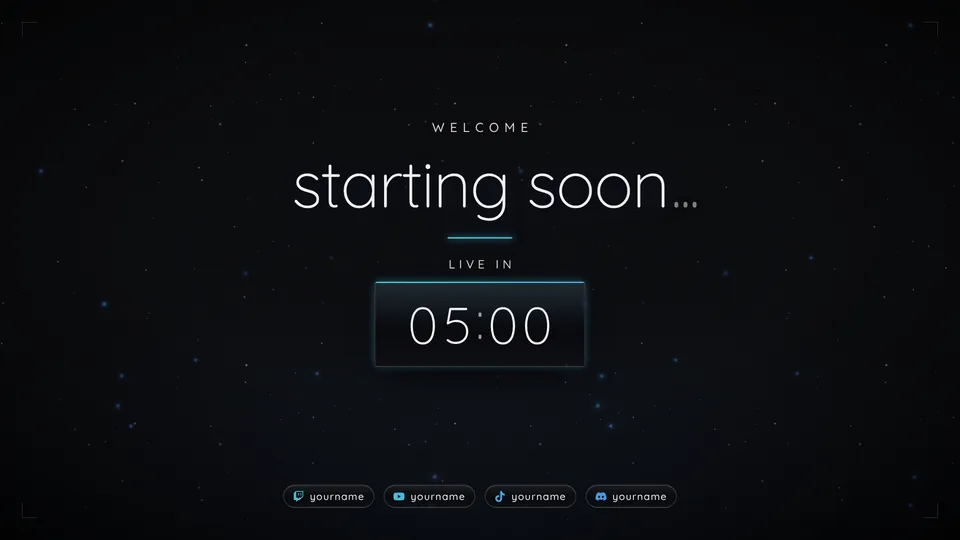
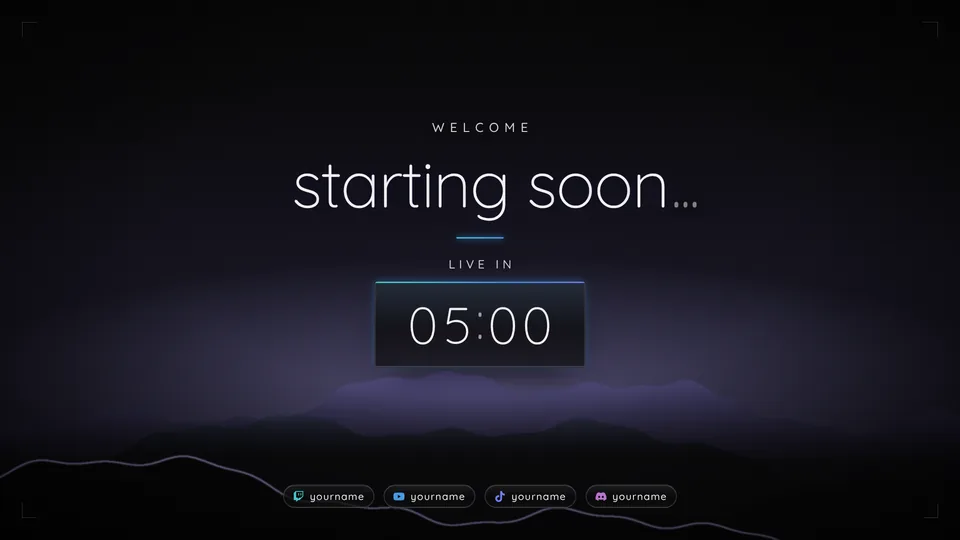
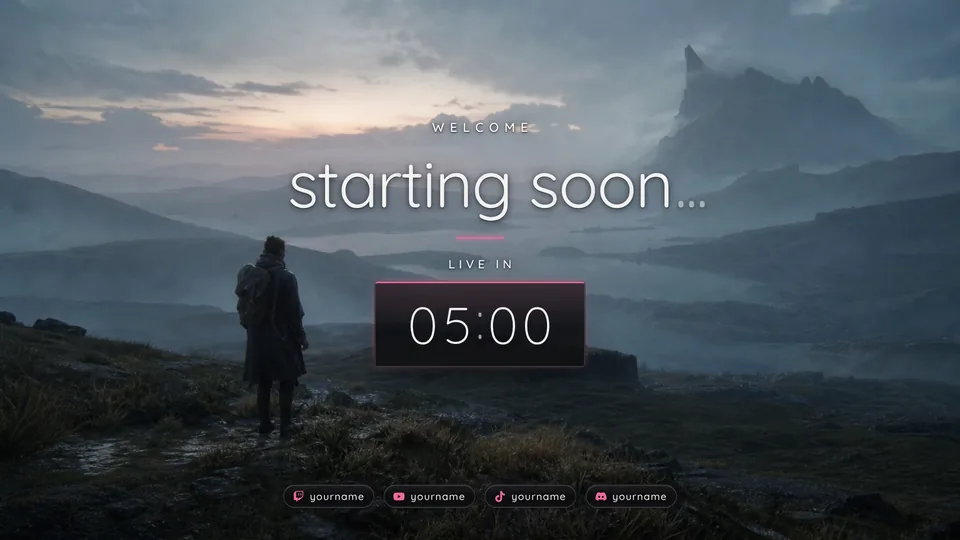
A welcome line and a countdown hold the room while viewers arrive.
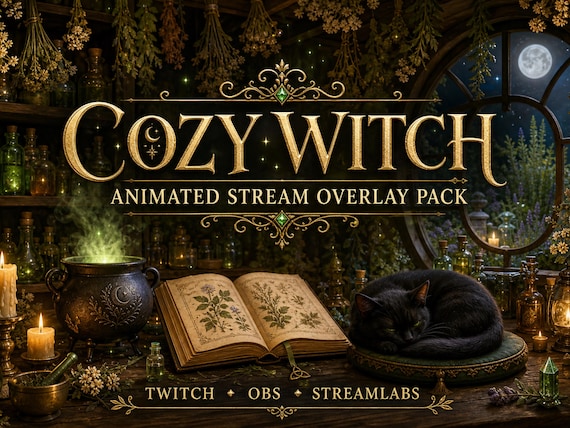
Stream overlay pack
Dim the lights
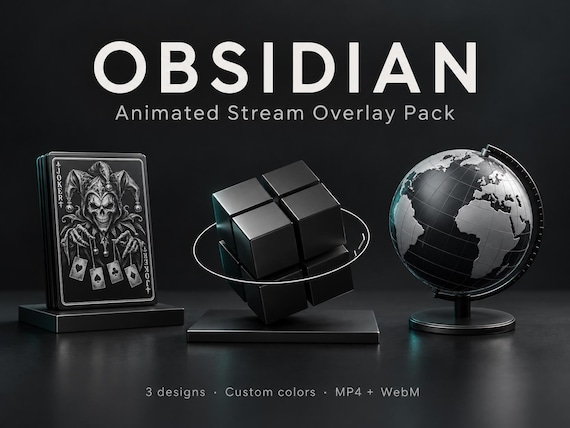
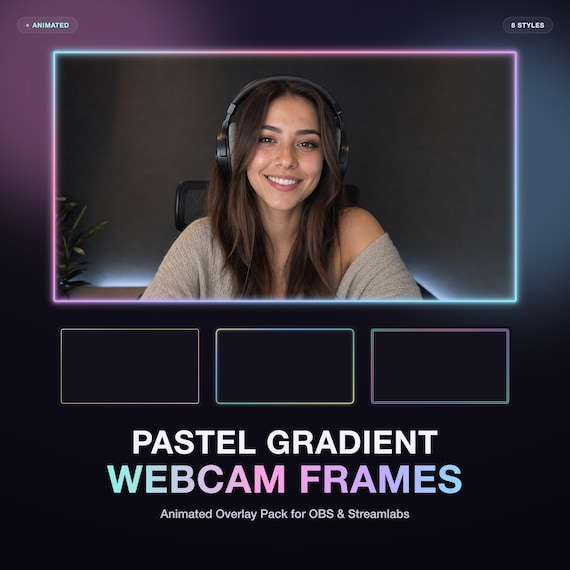
Nine scenes in 16:9 and 9:16, six alerts with sound, chat, widgets and a full channel kit. Fourteen moods, any color, one setup page that builds your OBS scenes.
€29.74Checkout on Etsy · instant download
One pack, one look, every part of the stream.
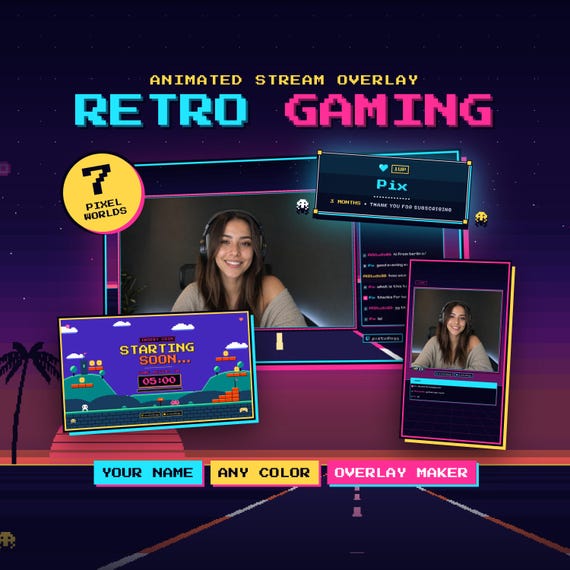
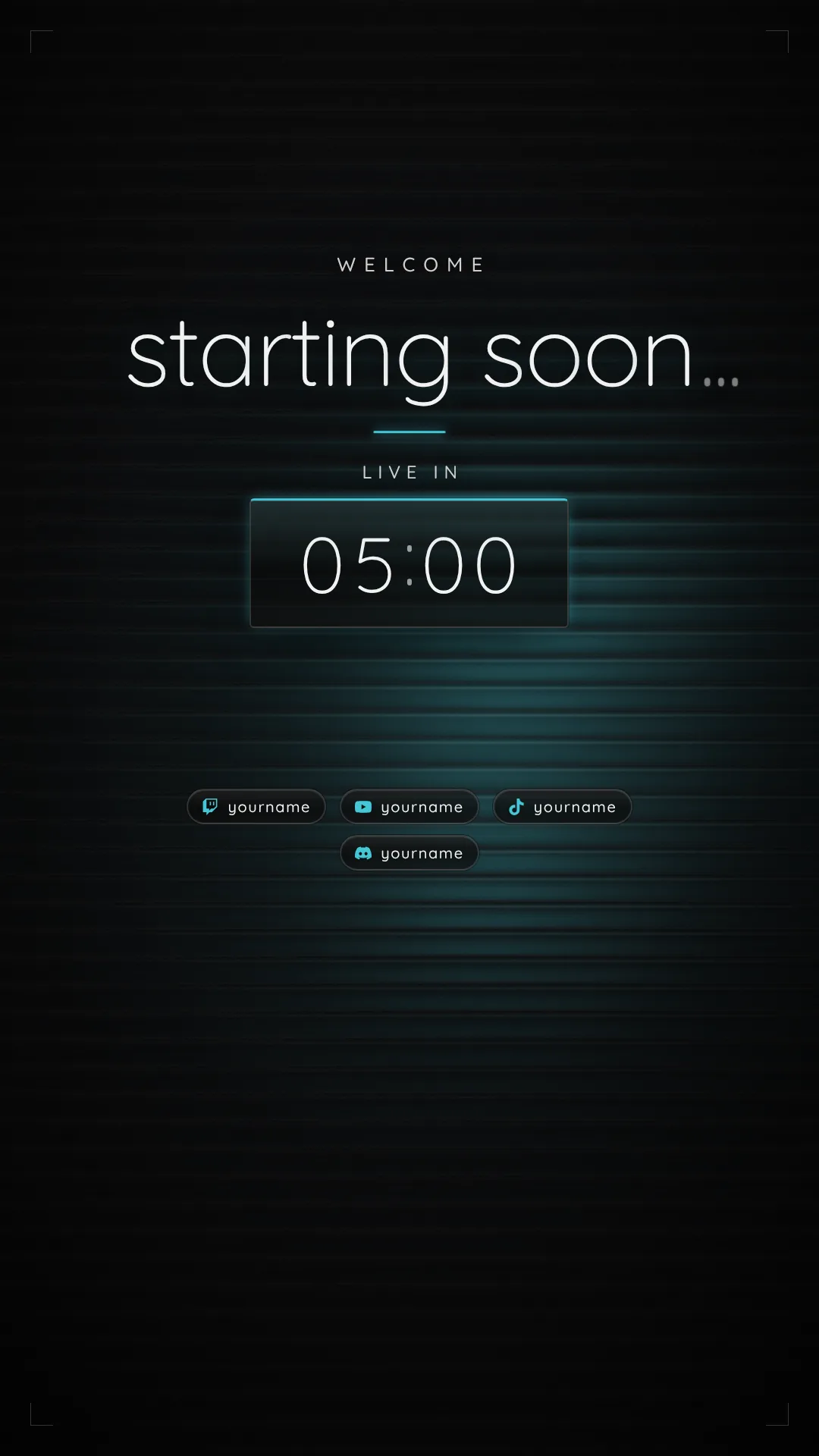
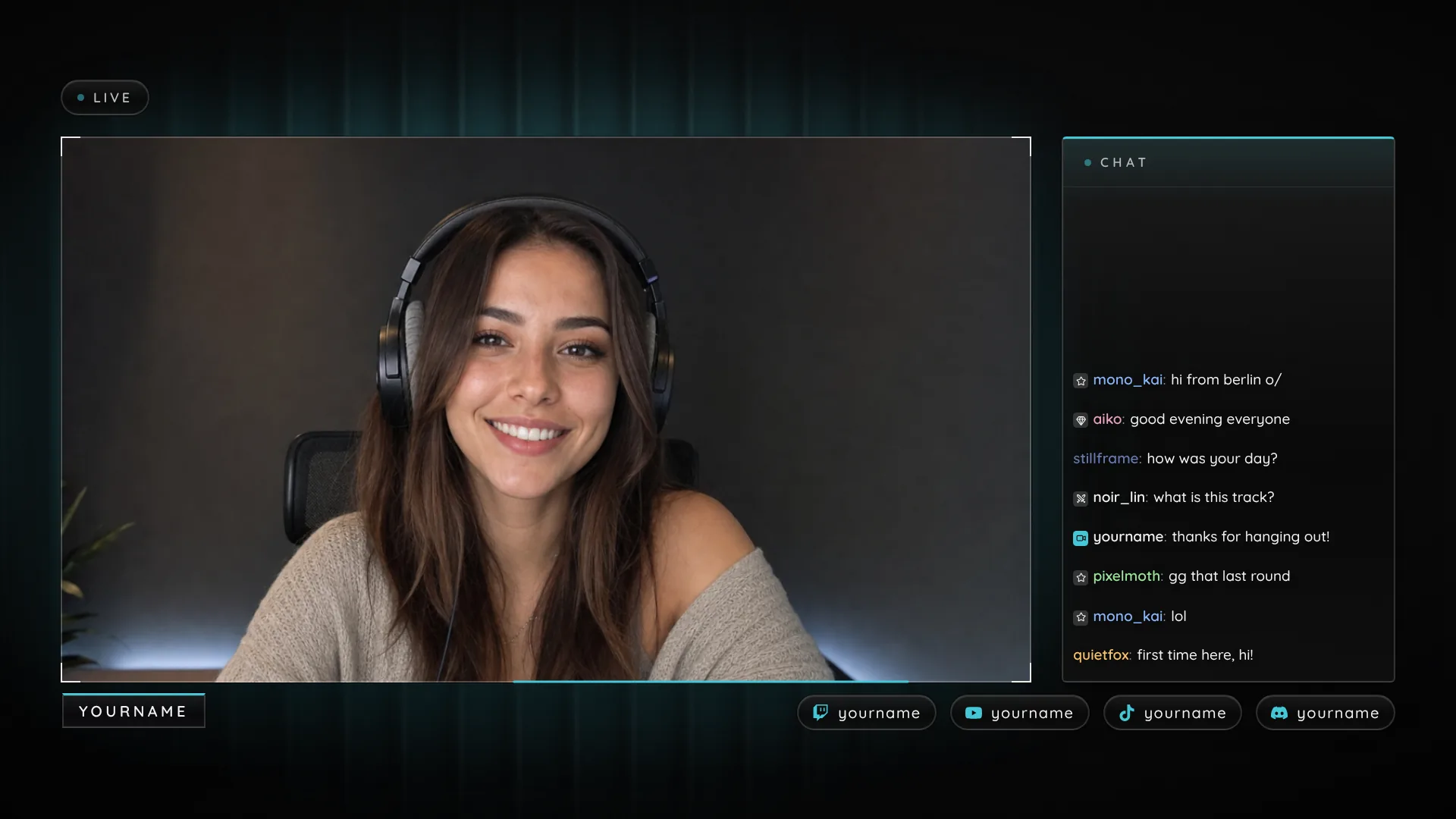
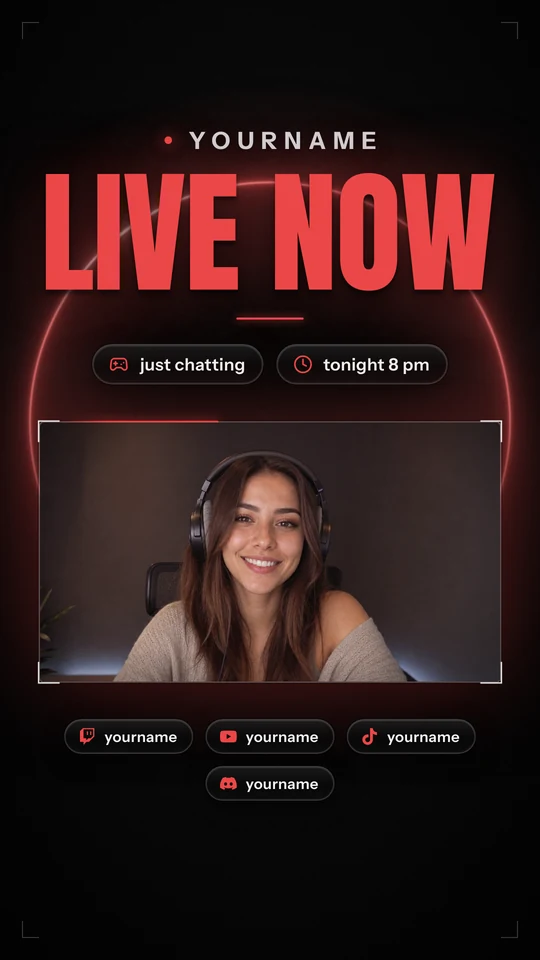
Nine scenes: Starting Soon to Offline in one look, plus Podcast, Screen Share and Clip Break when you need them, and all of it in 9:16 for TikTok, Shorts and Reels. Tap a key to cut; in 16:9 the pack's stinger plays on every switch.
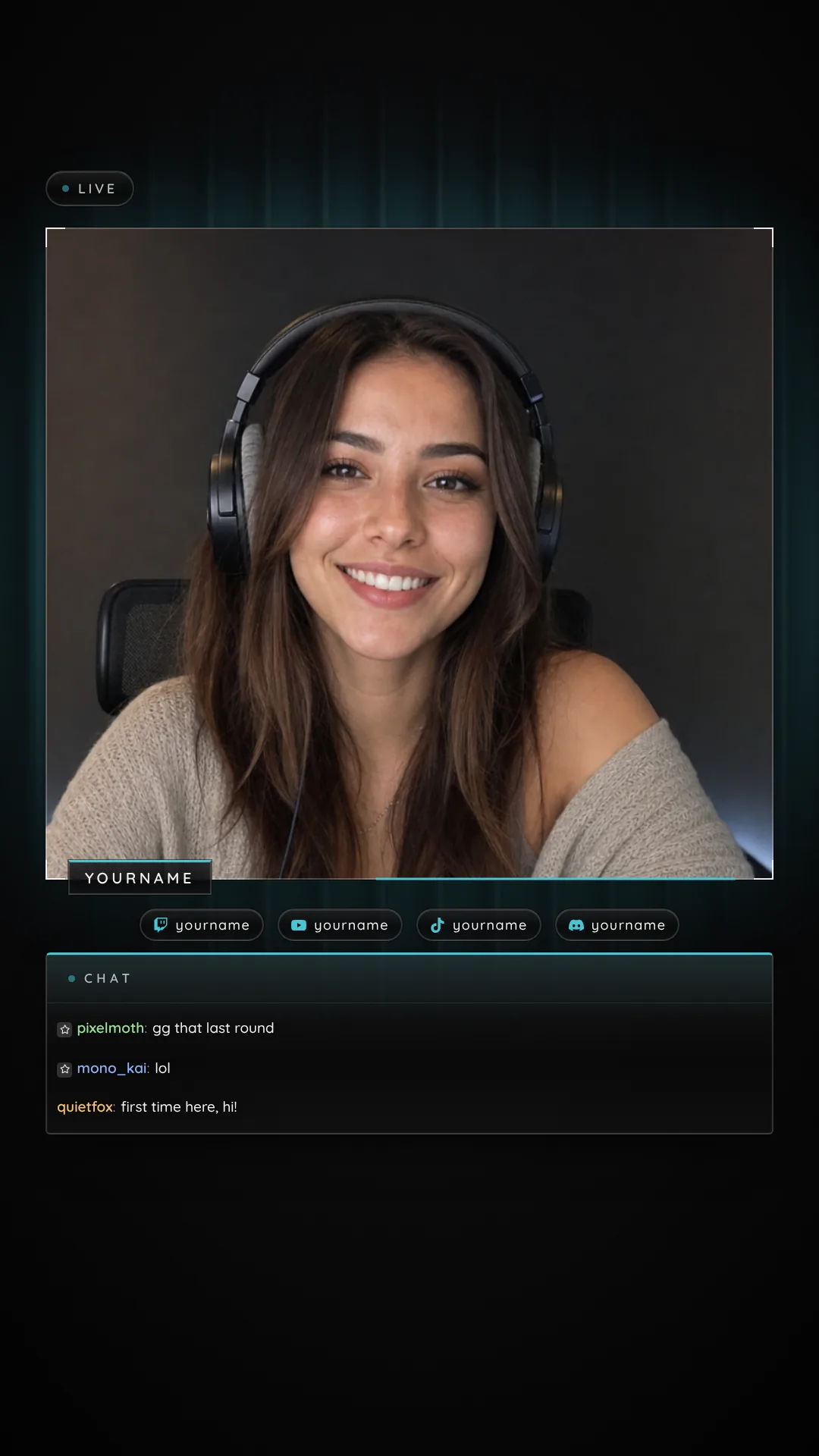
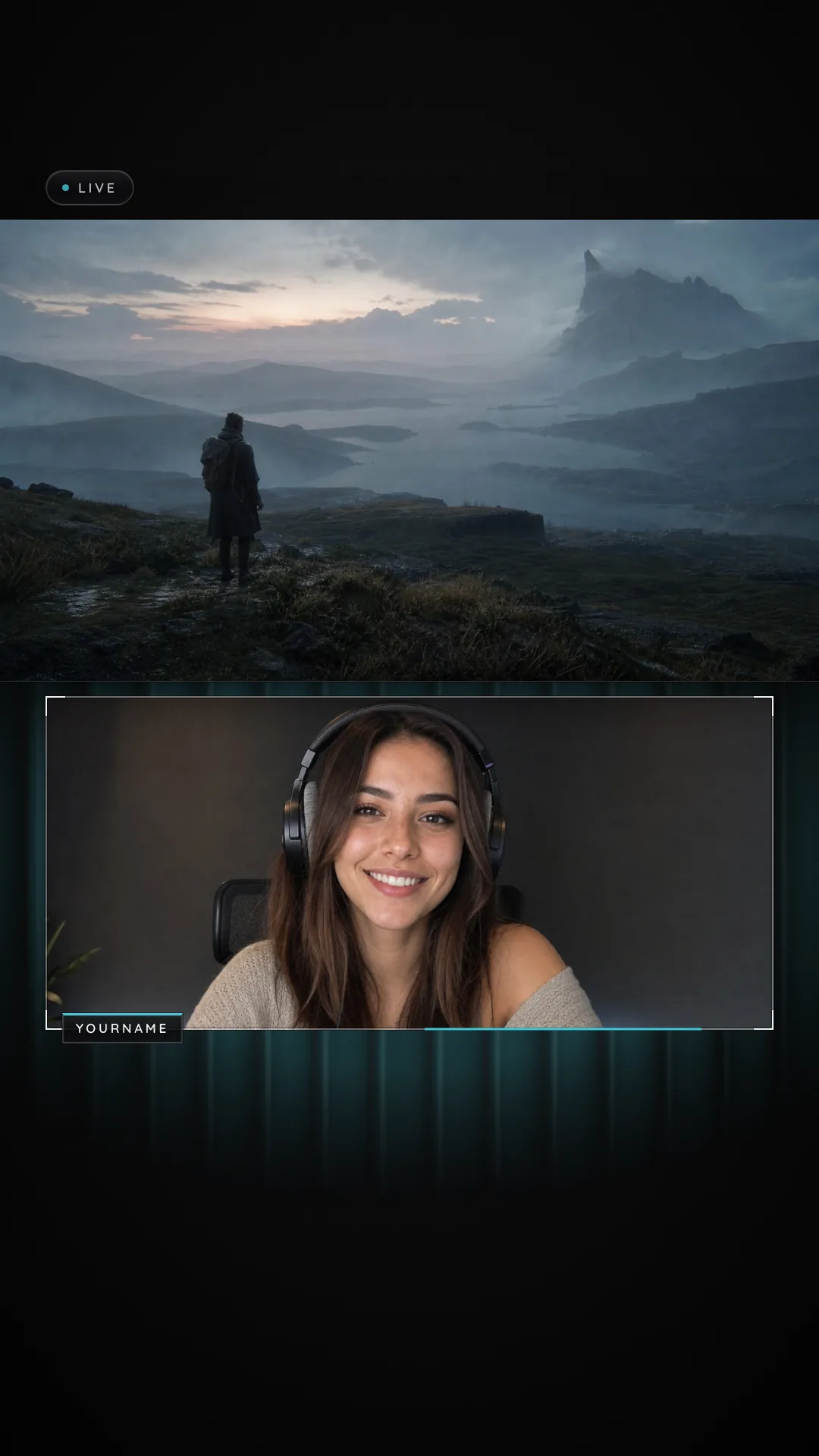
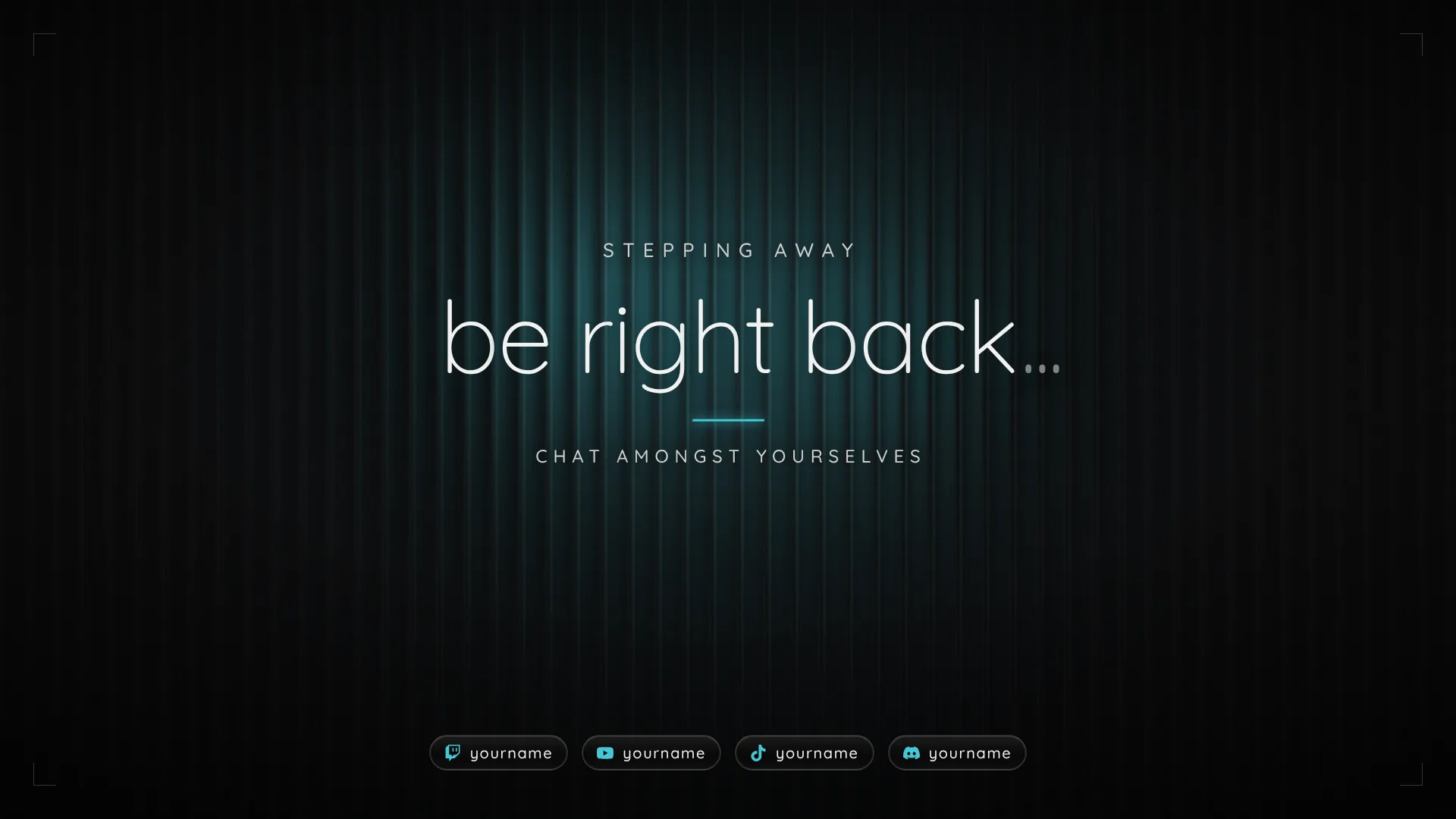
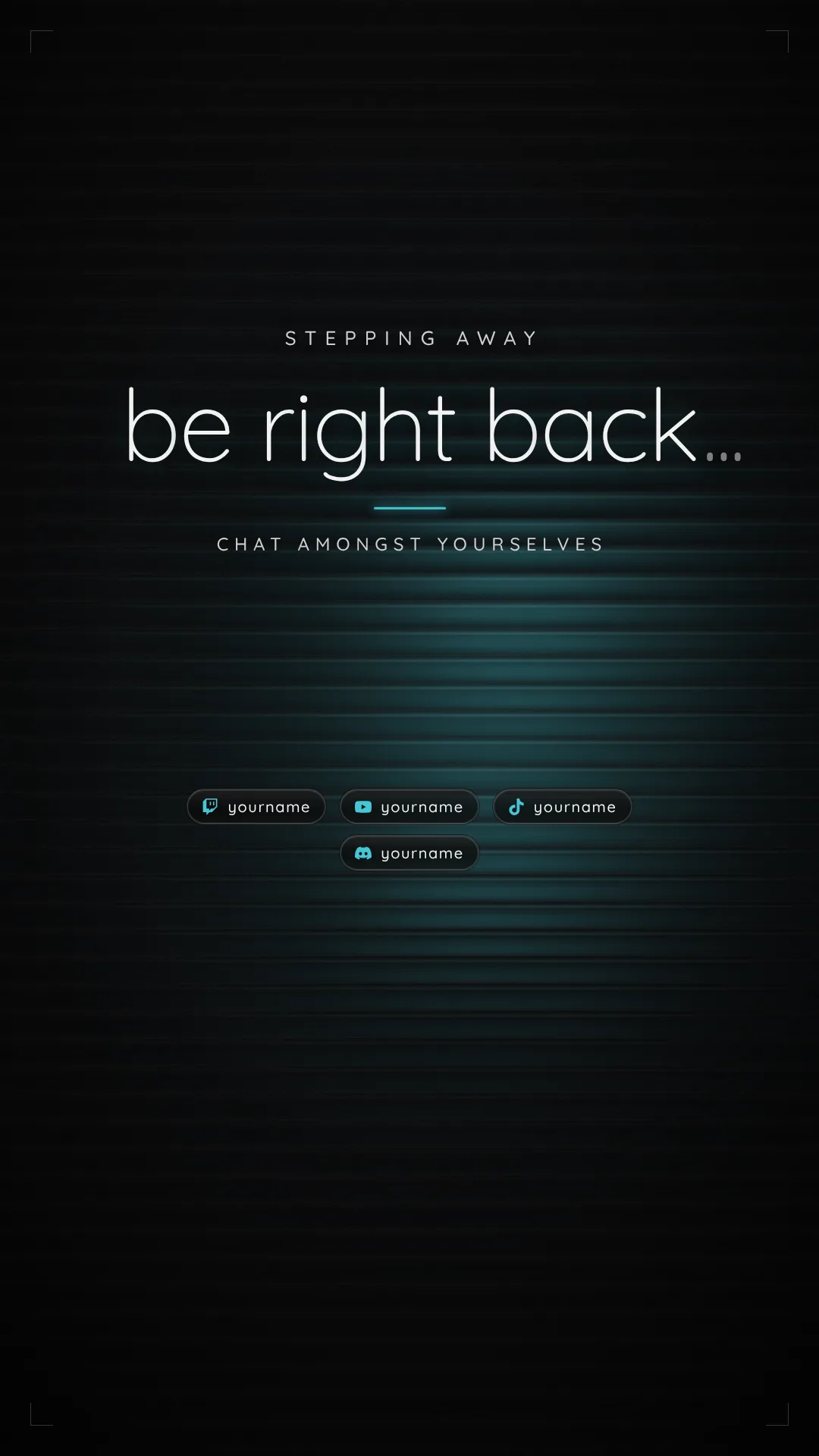
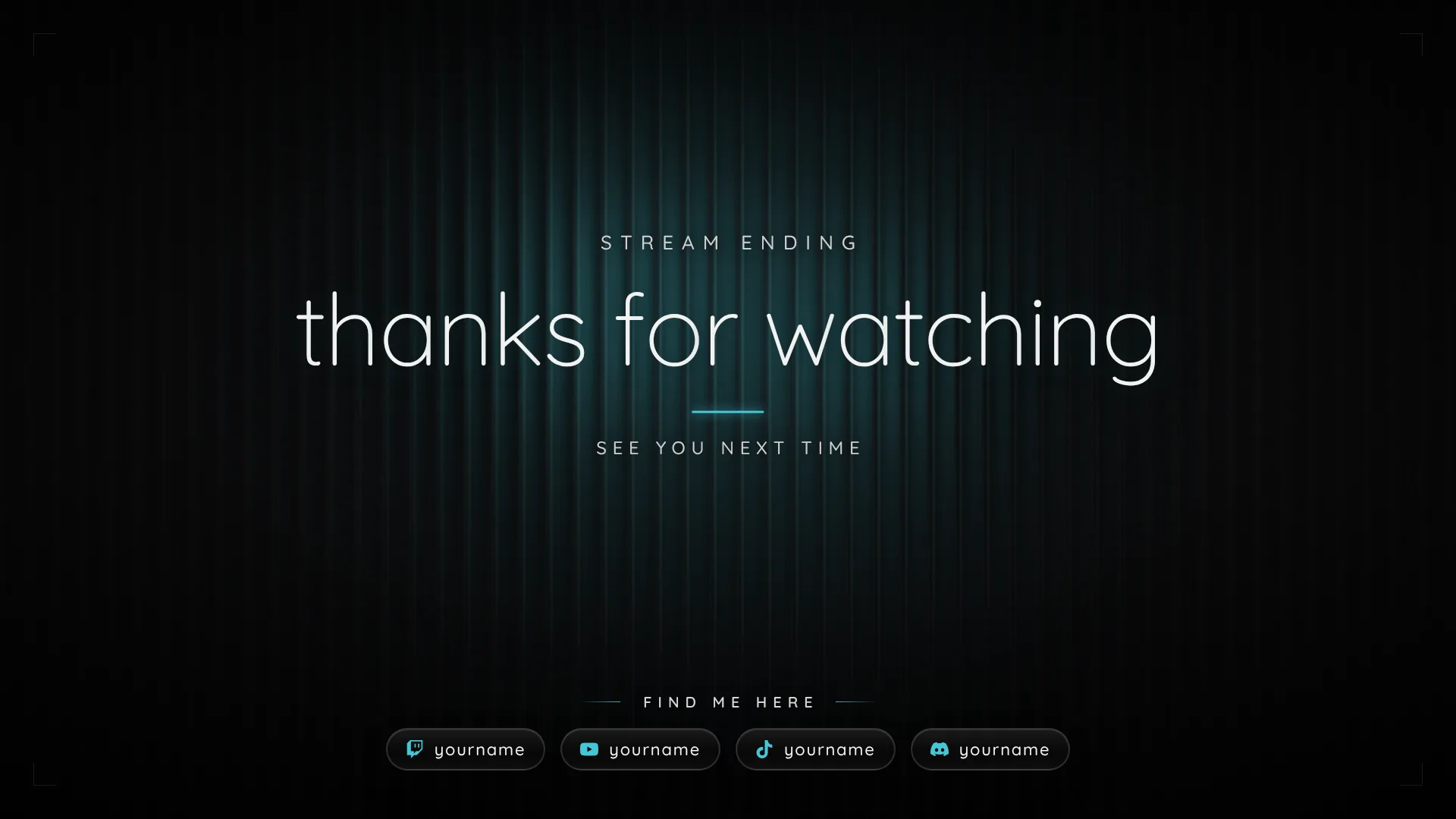
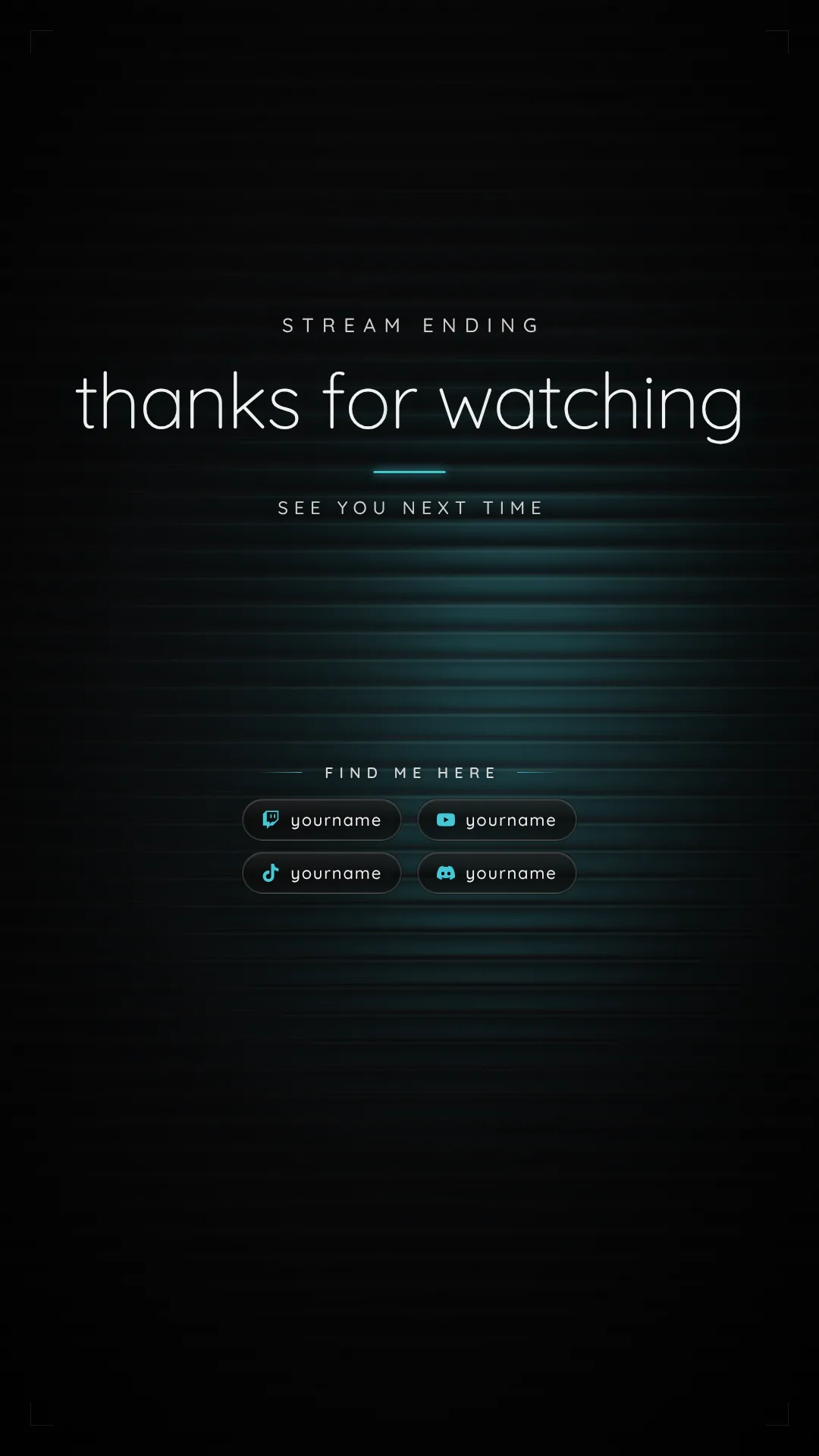
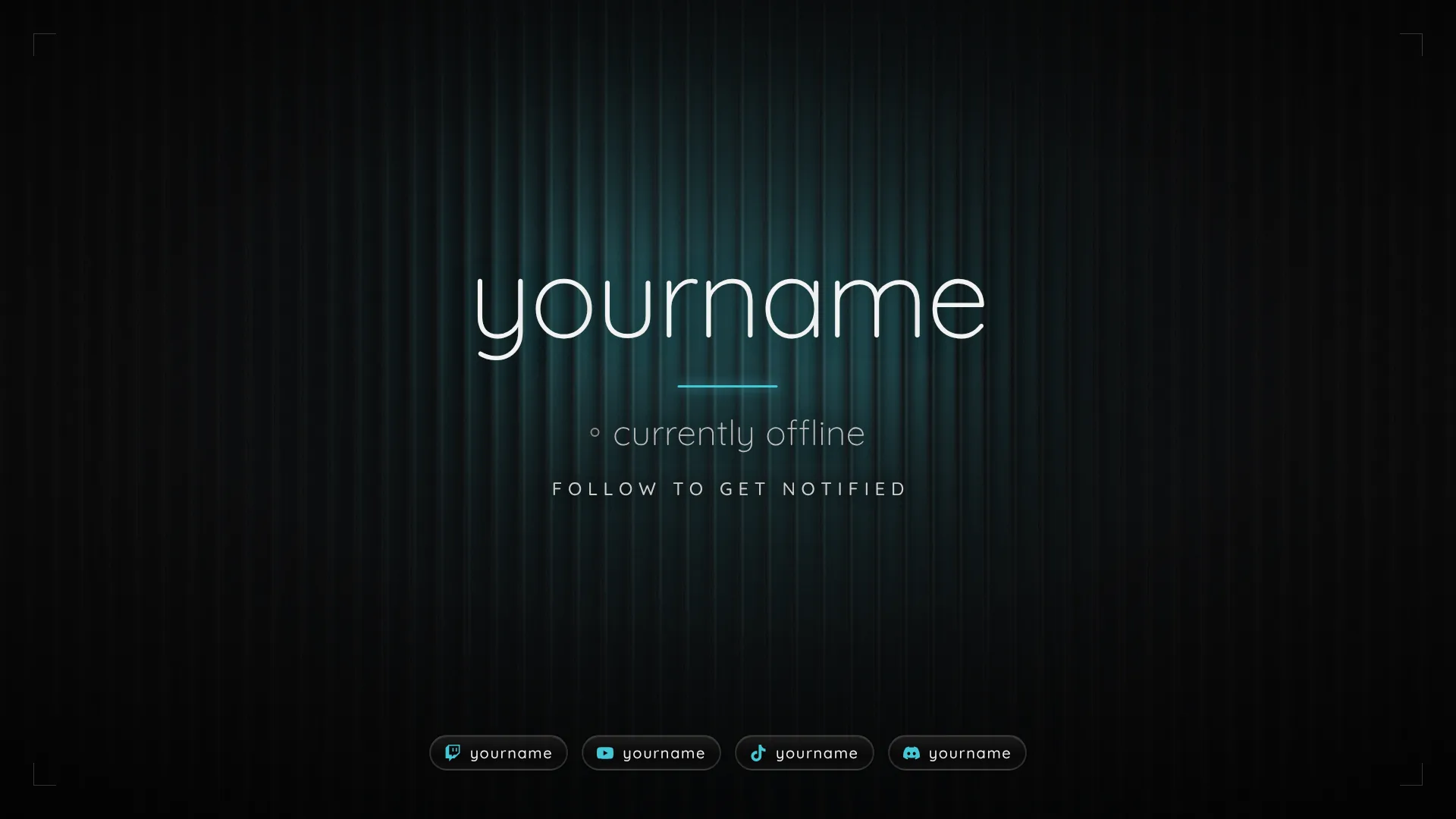
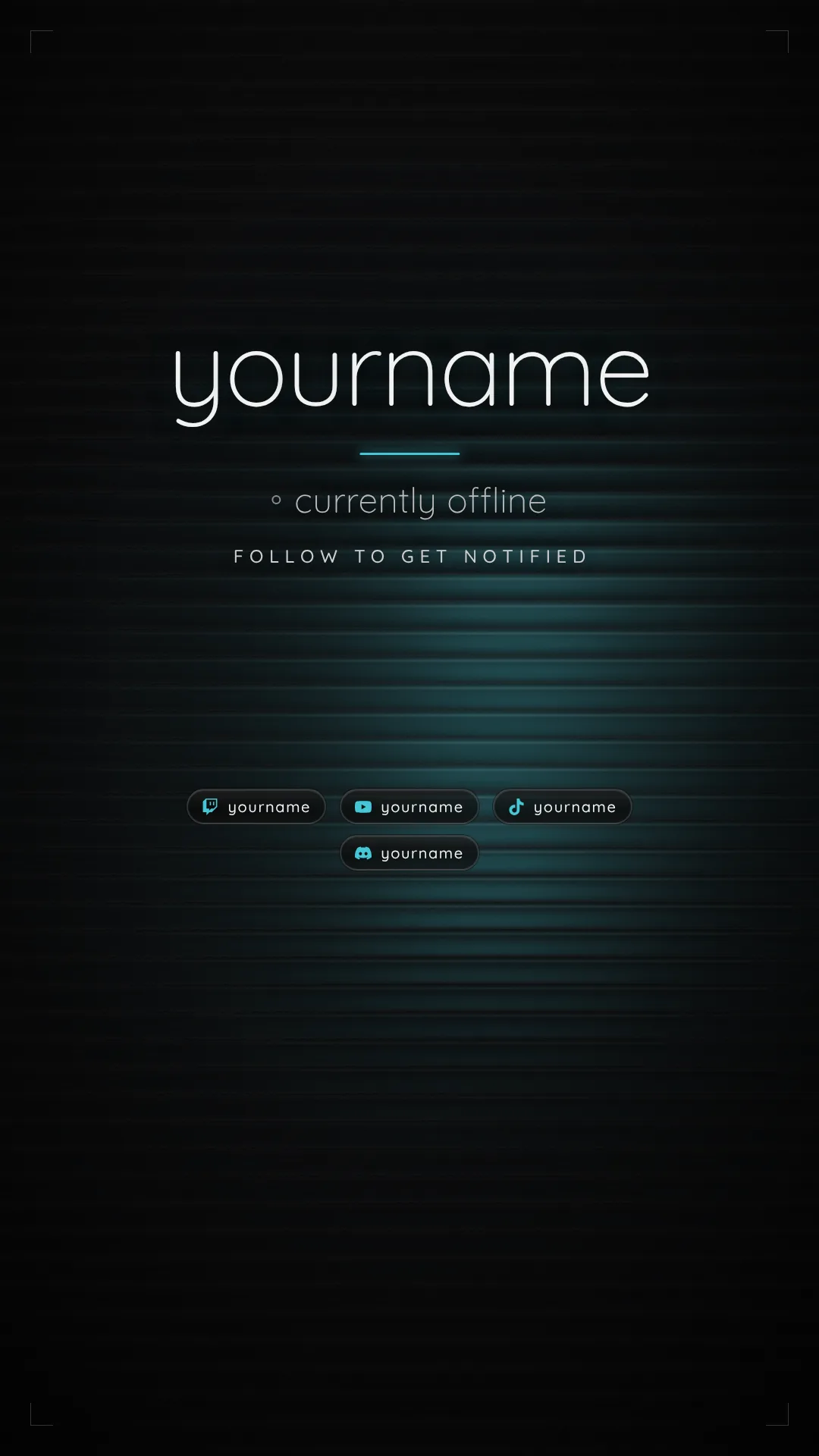
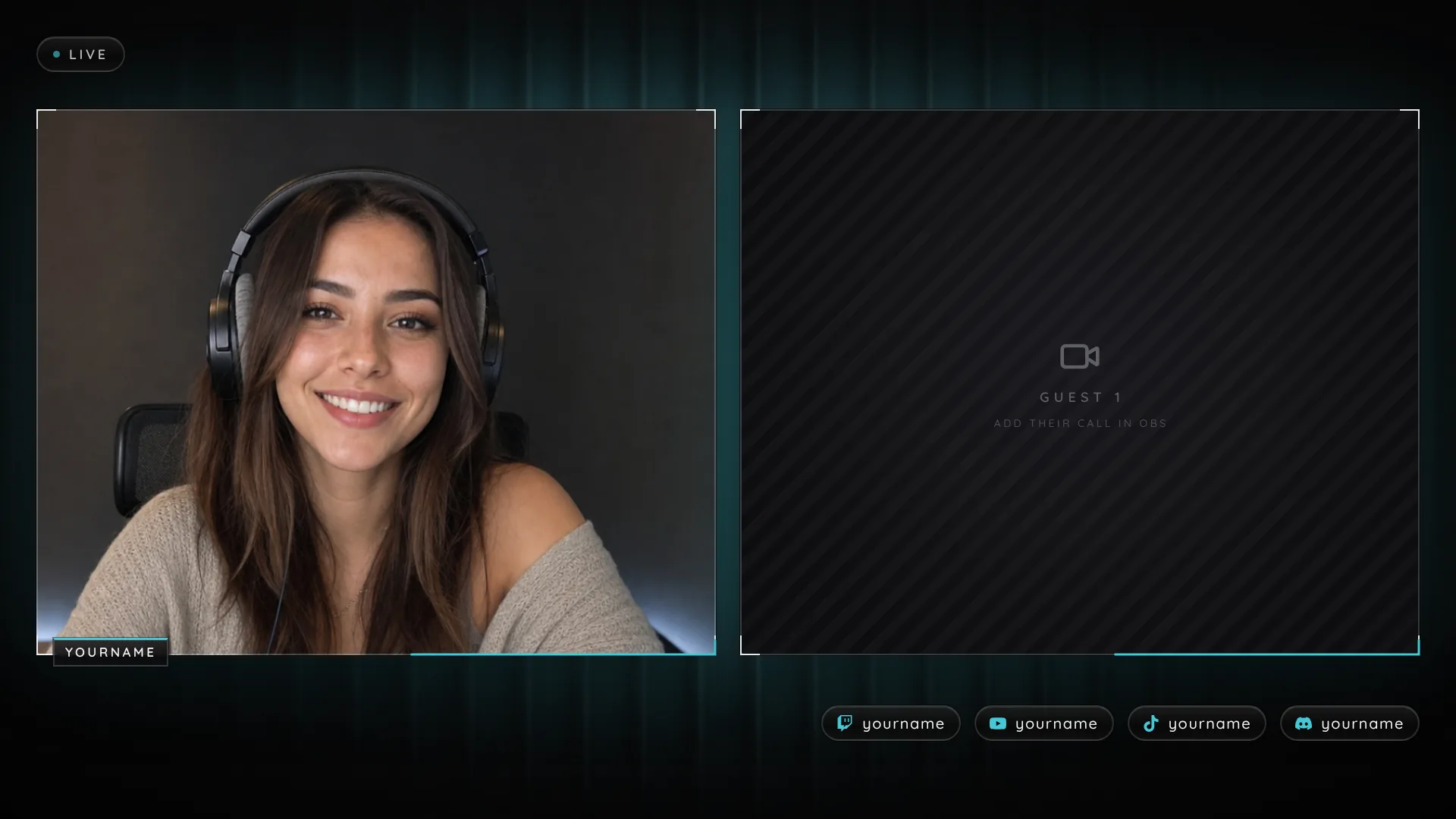
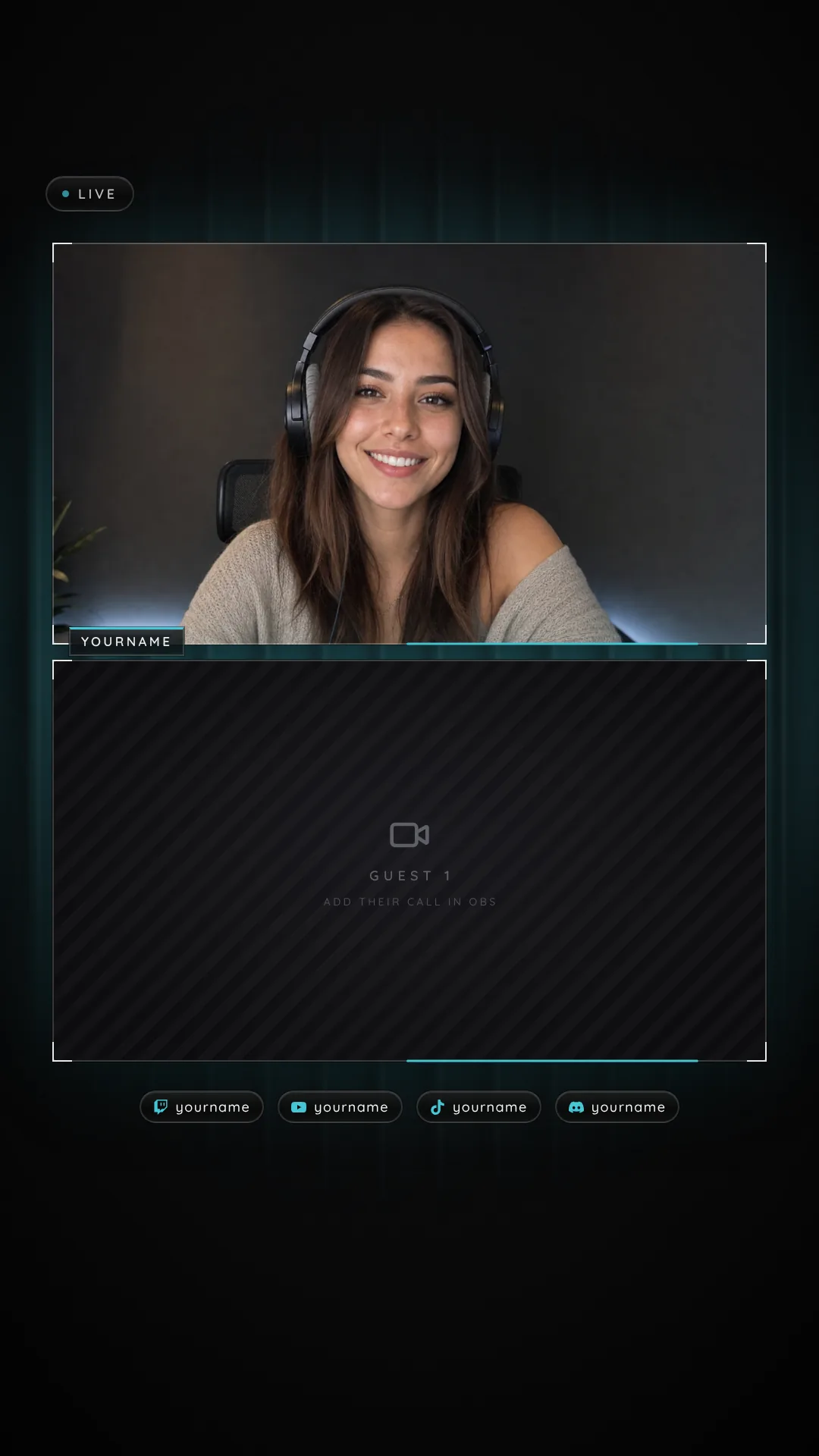
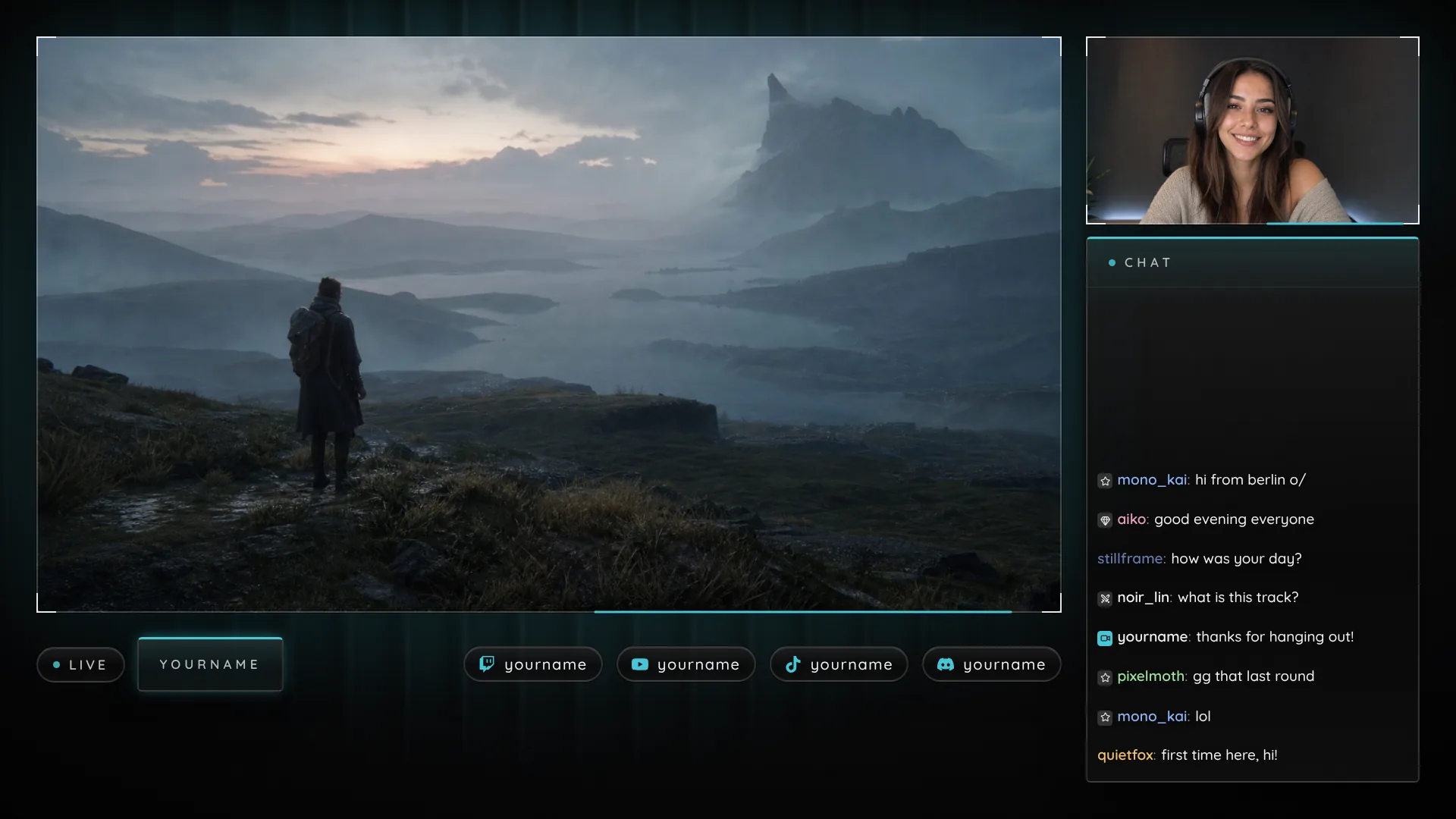
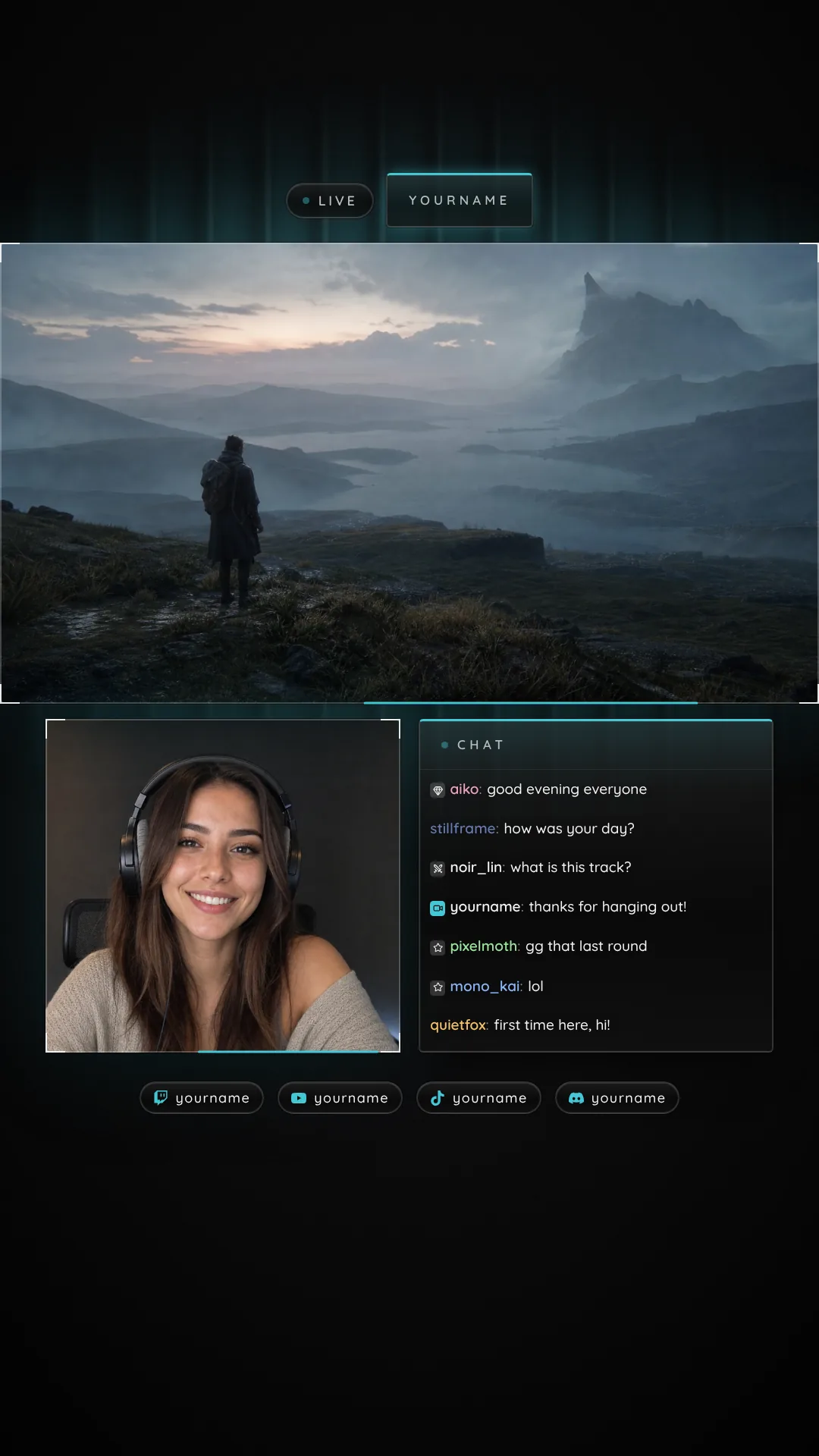
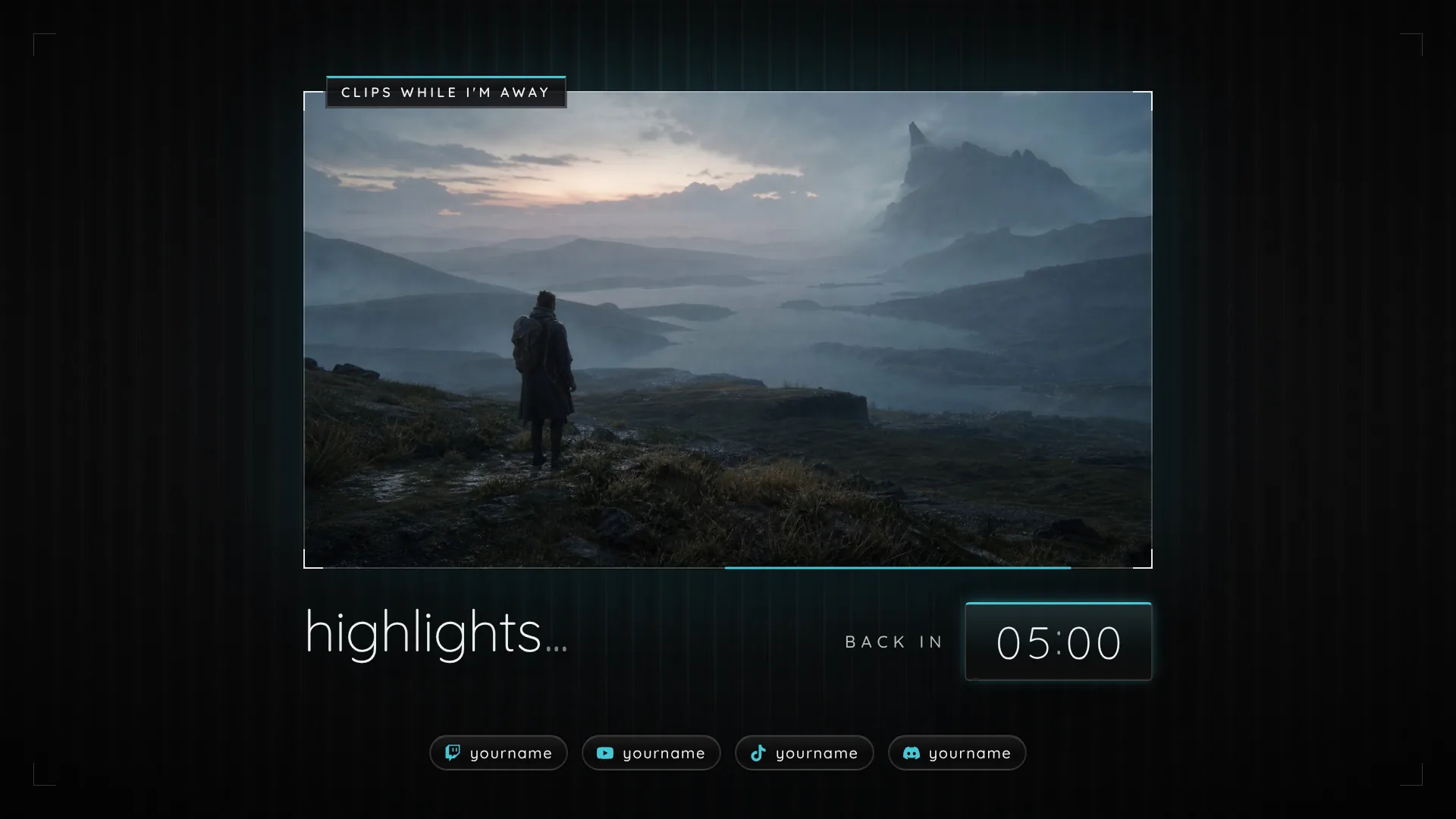
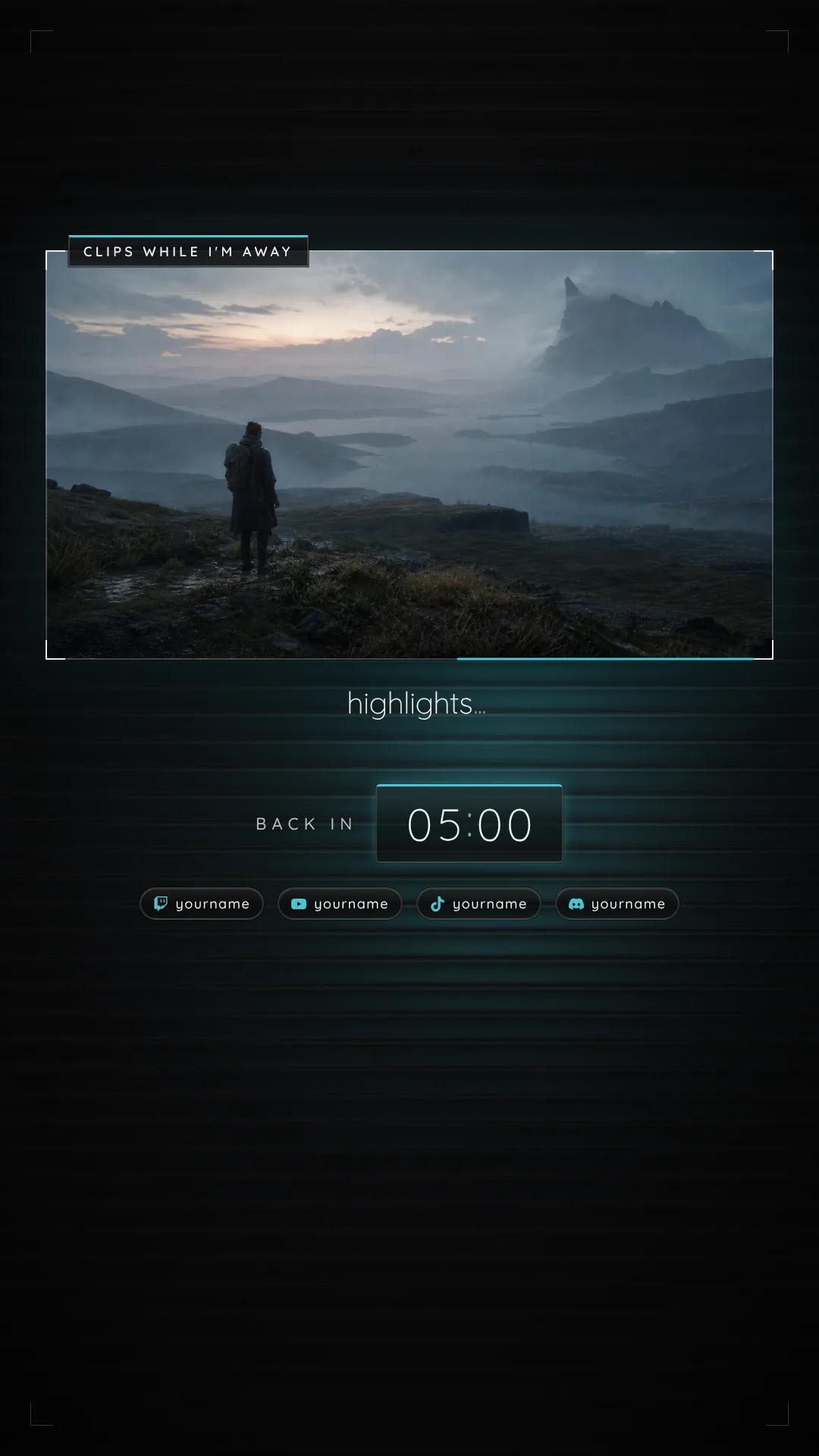
Kept free for the app, Top 220 px, Right 120 px, Bottom 420 px
Chat and widgets on your scenes, your week on Offline, panels and posts for your channel, keys for your desk. Every piece comes in your color, from the same setup page.
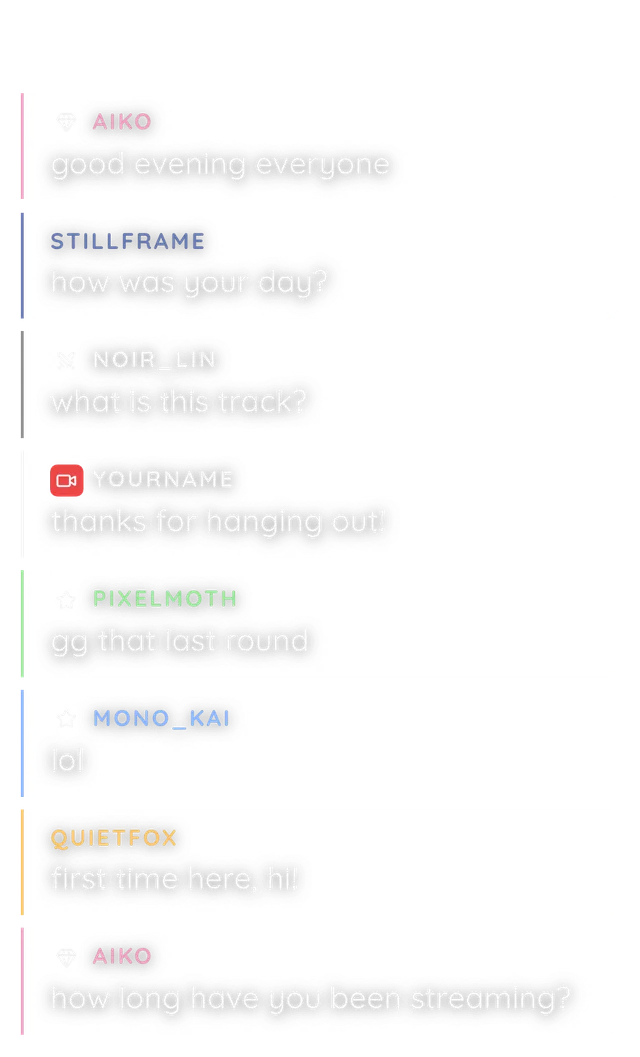
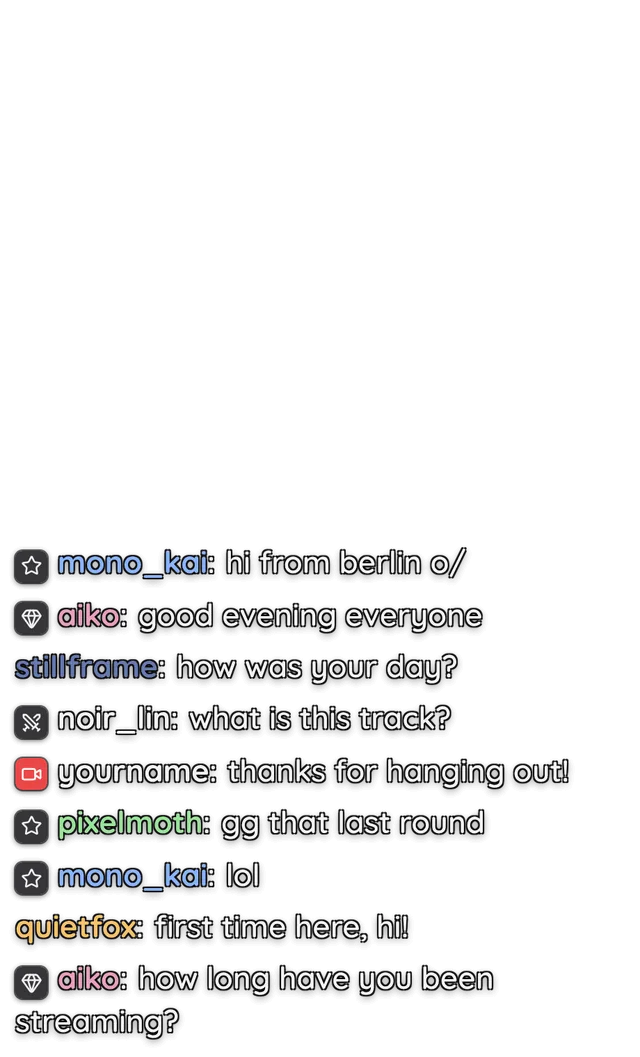
Chat · 6 styles
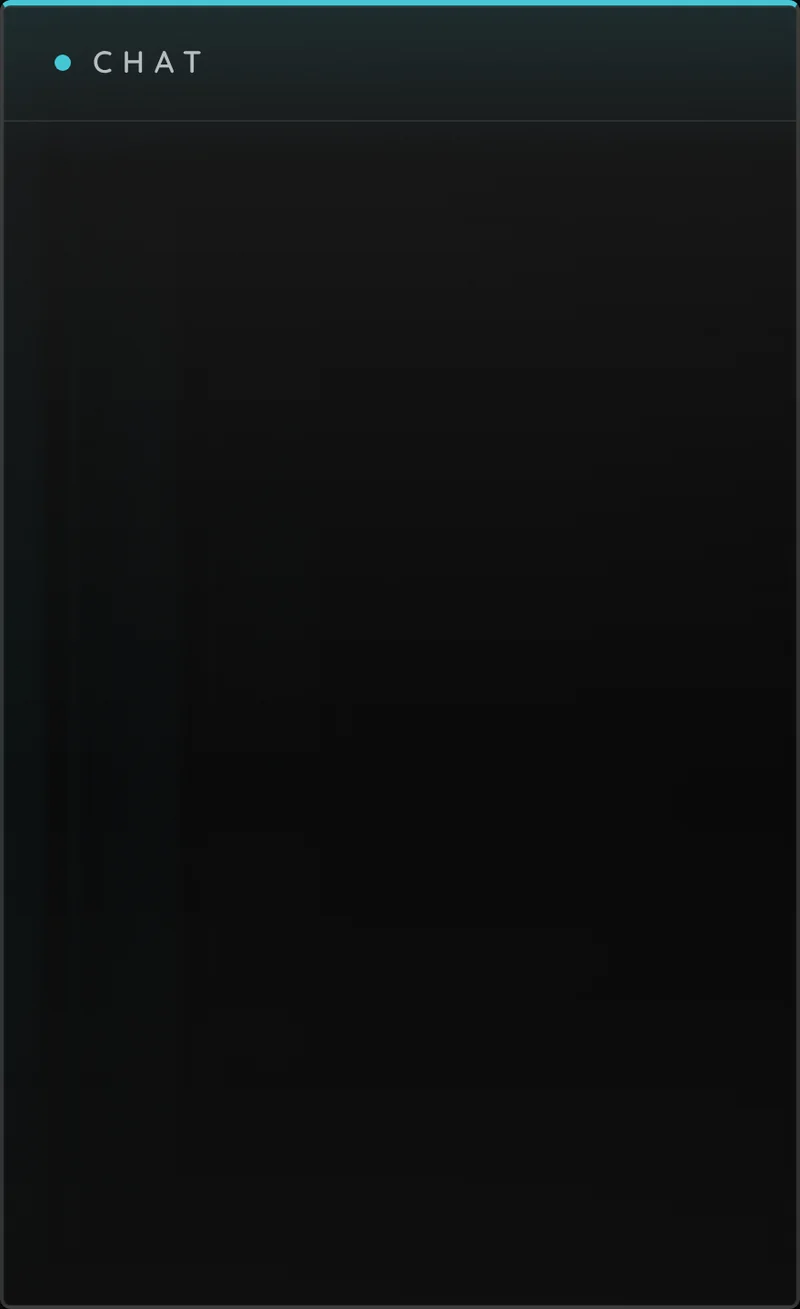
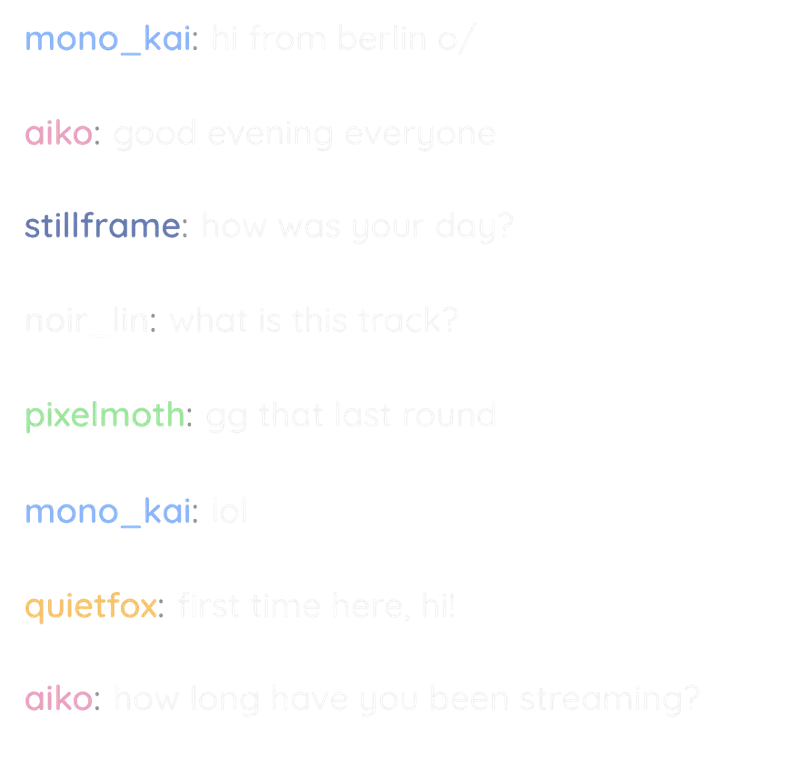
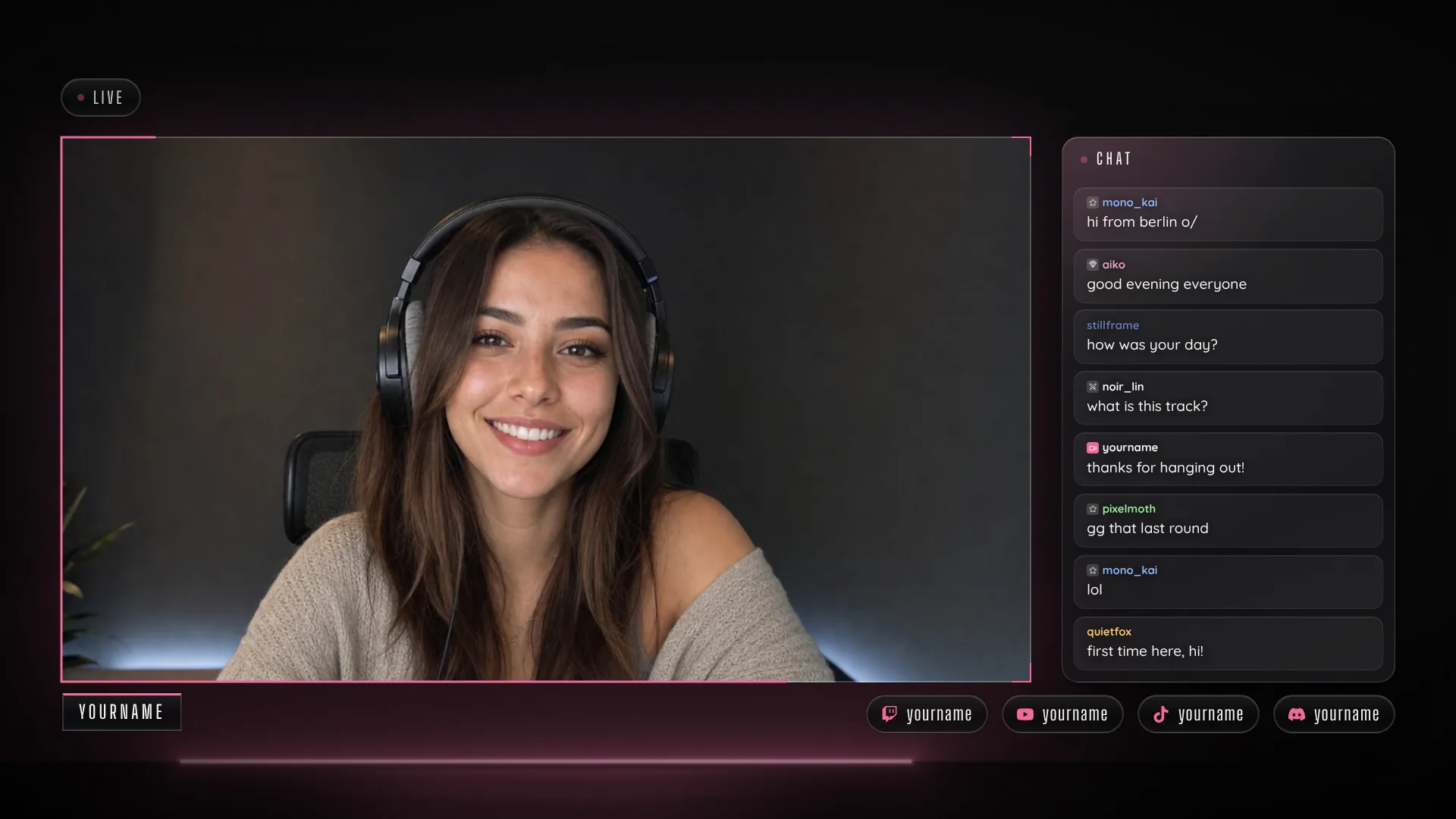
Twitch chat with its emotes, built into your scenes. Switch scenes and the last messages stay.
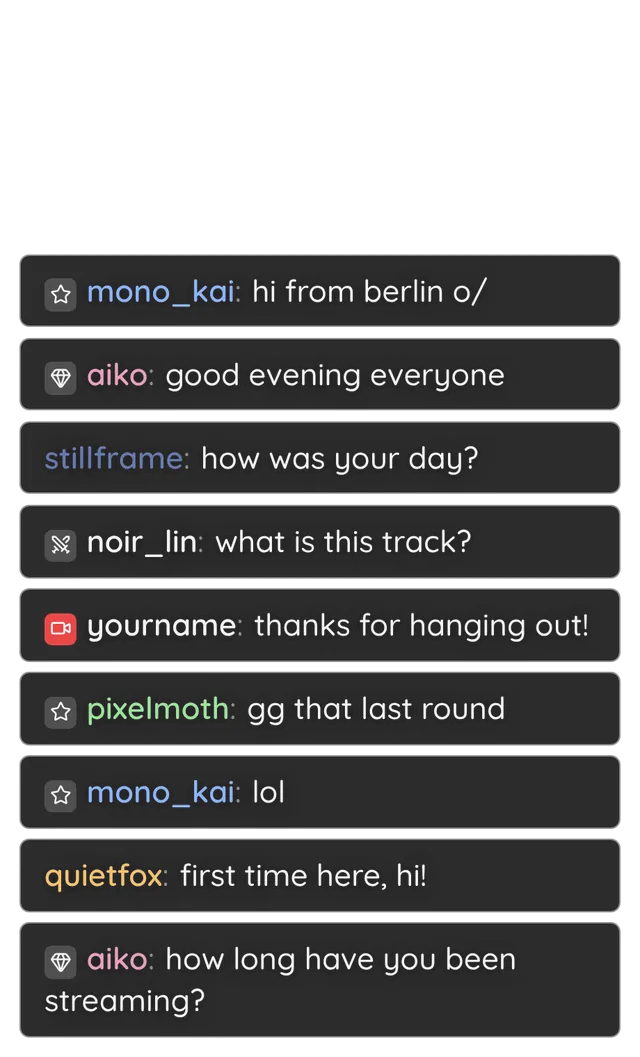
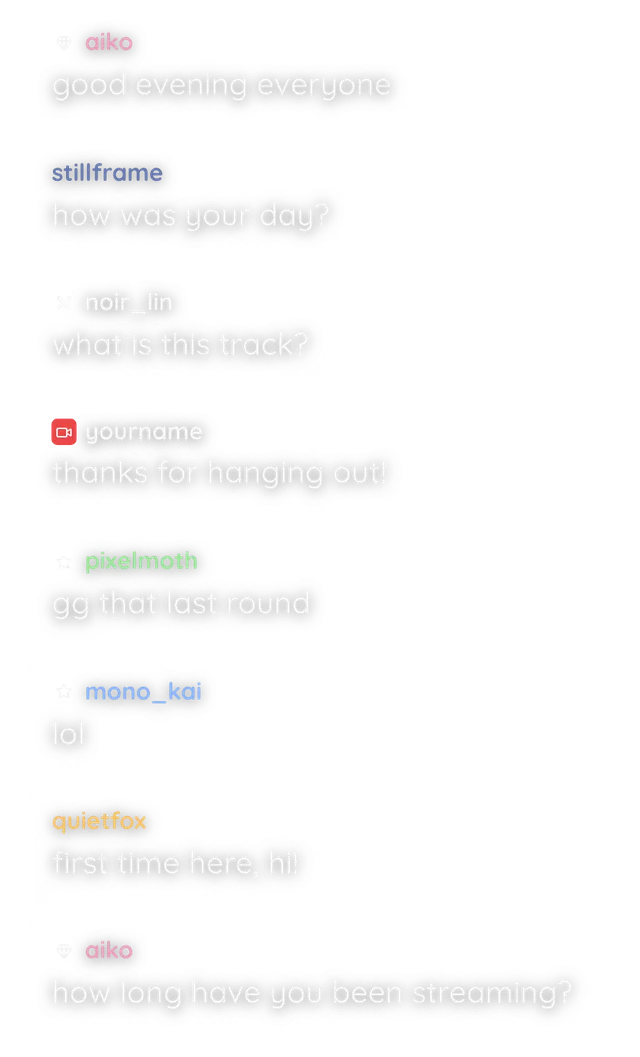
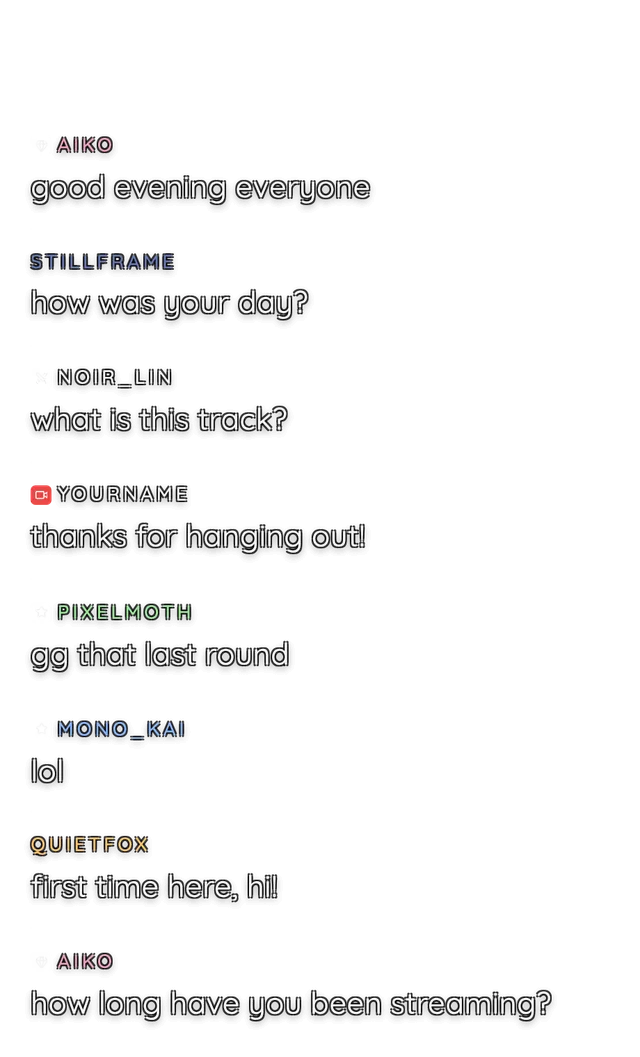
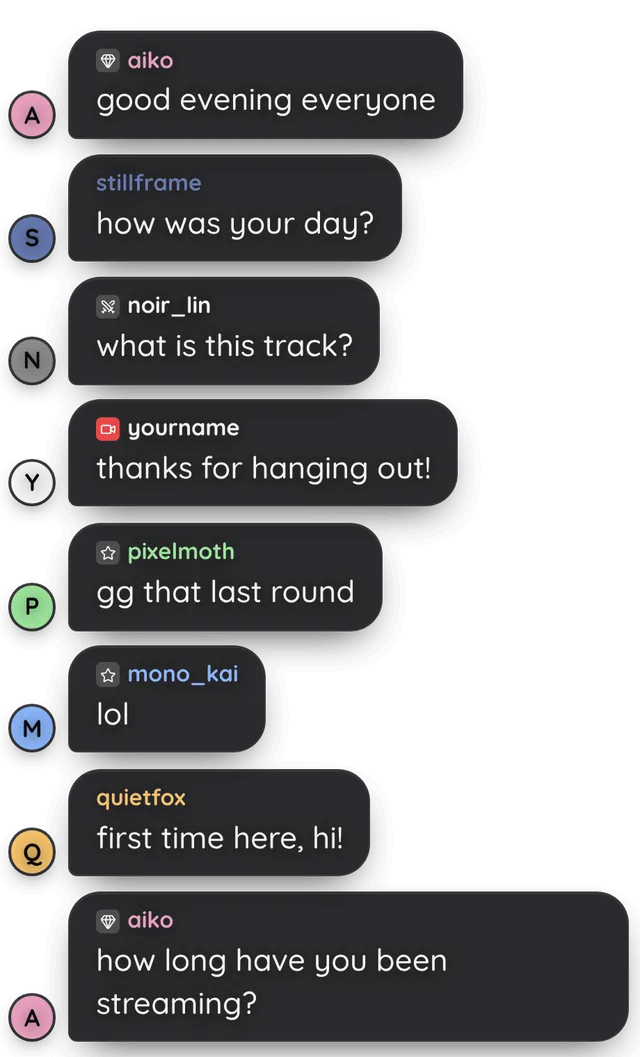
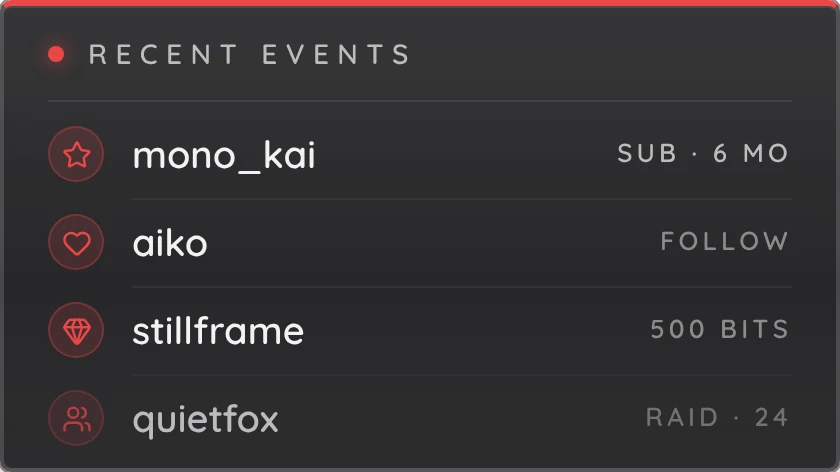
Widgets · live or typed
Type them in, or let them update live from StreamElements, Streamlabs and your music app.


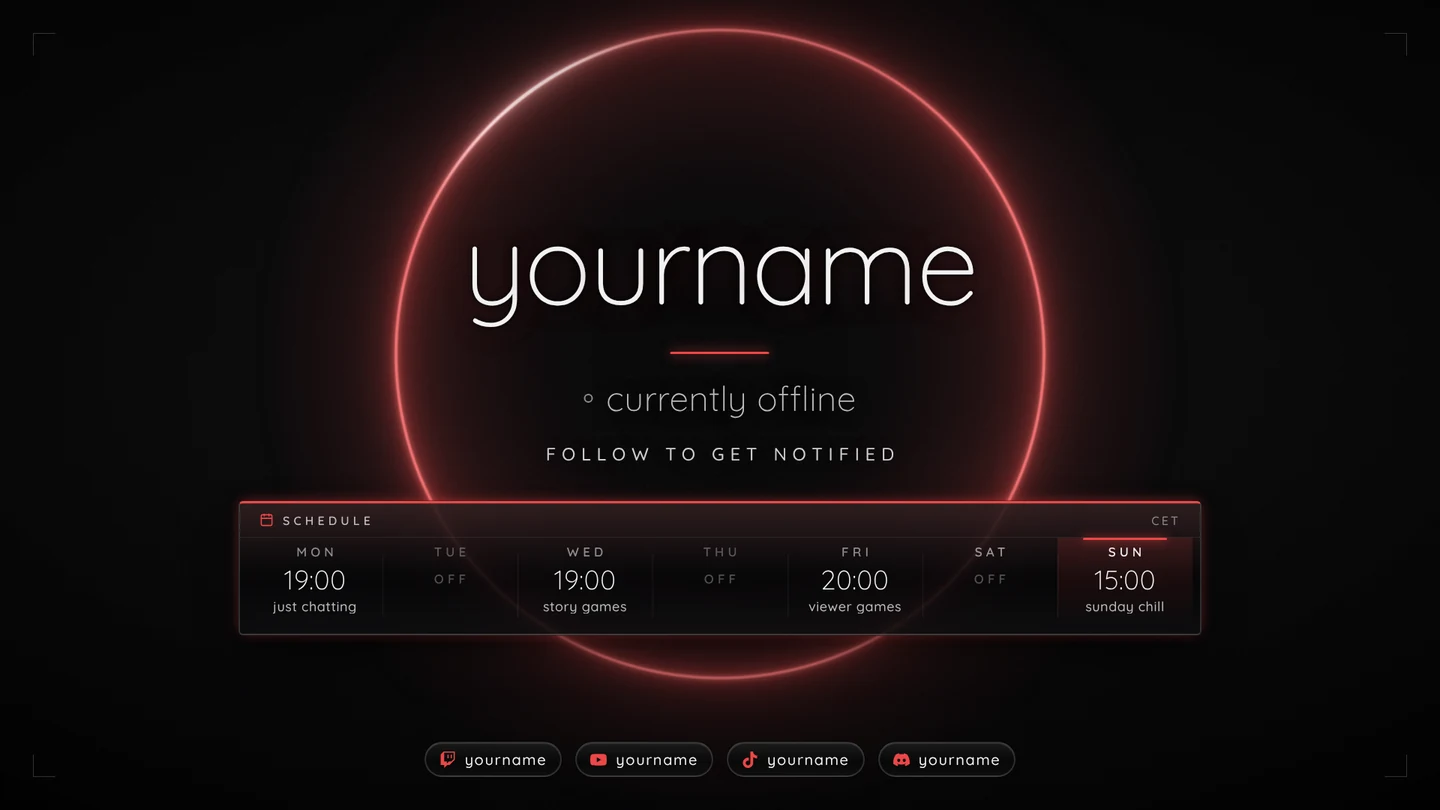
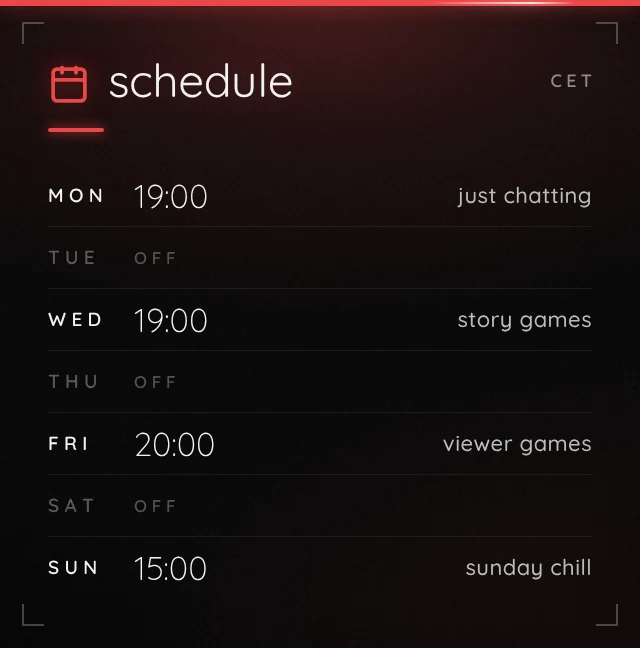
Schedule · set once
Enter your stream days once. They show on Offline and Be Right Back, on a Twitch panel, on your offline banner and in posts.
Channel · panels and banners
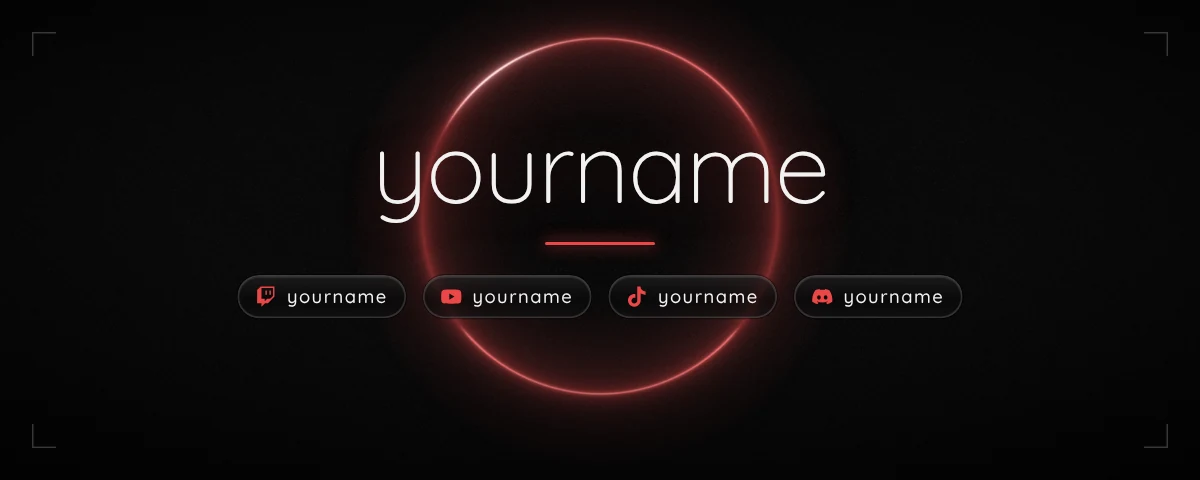
Ready panels for About, Rules, Socials and more, or build up to twelve of your own from text, lists, links, your week or a picture.
Stream Deck · 15, 32 or 6 keys
A ready profile puts your scenes, mic, camera, chat, recording and go live on the keys, drawn in your color and font.

Setup · 4 languages
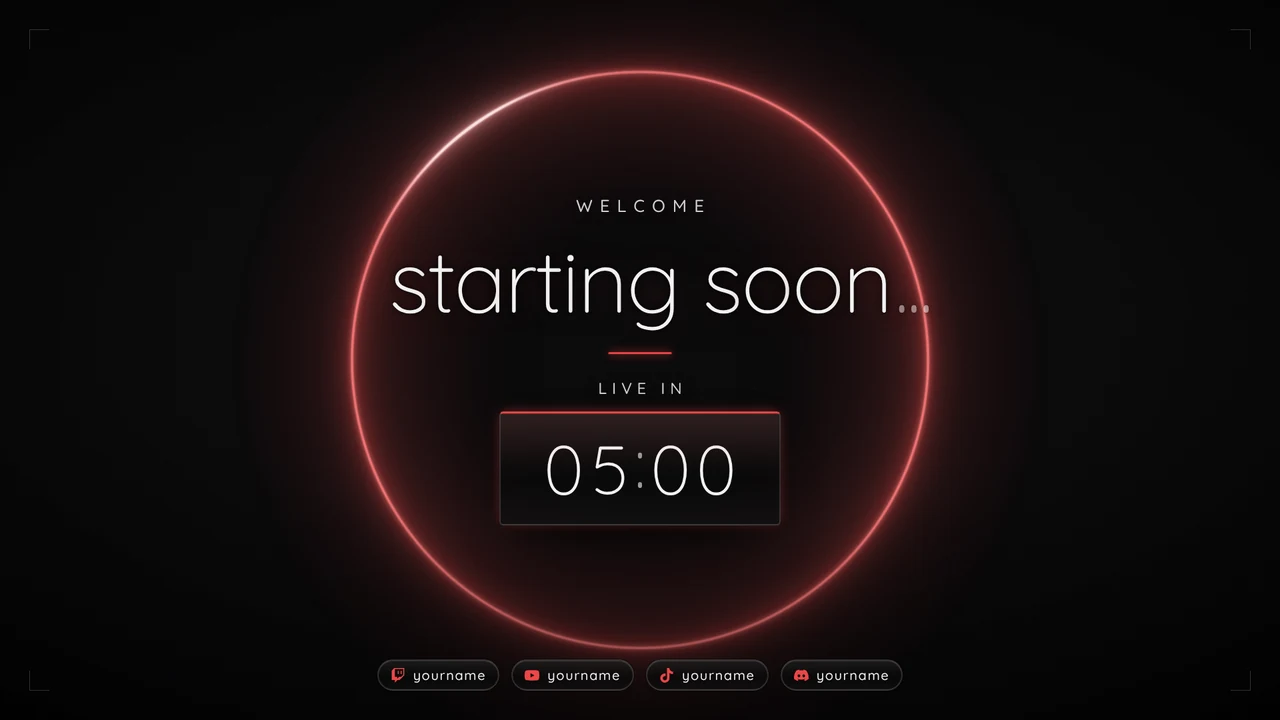
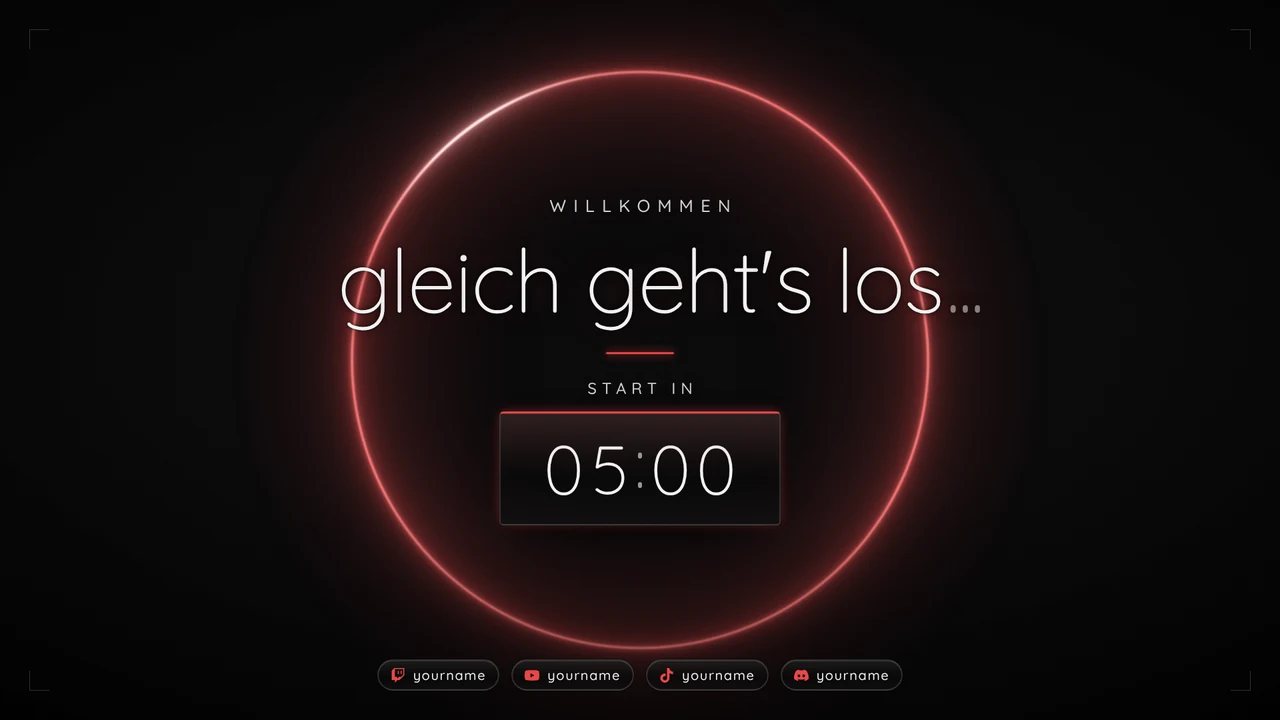
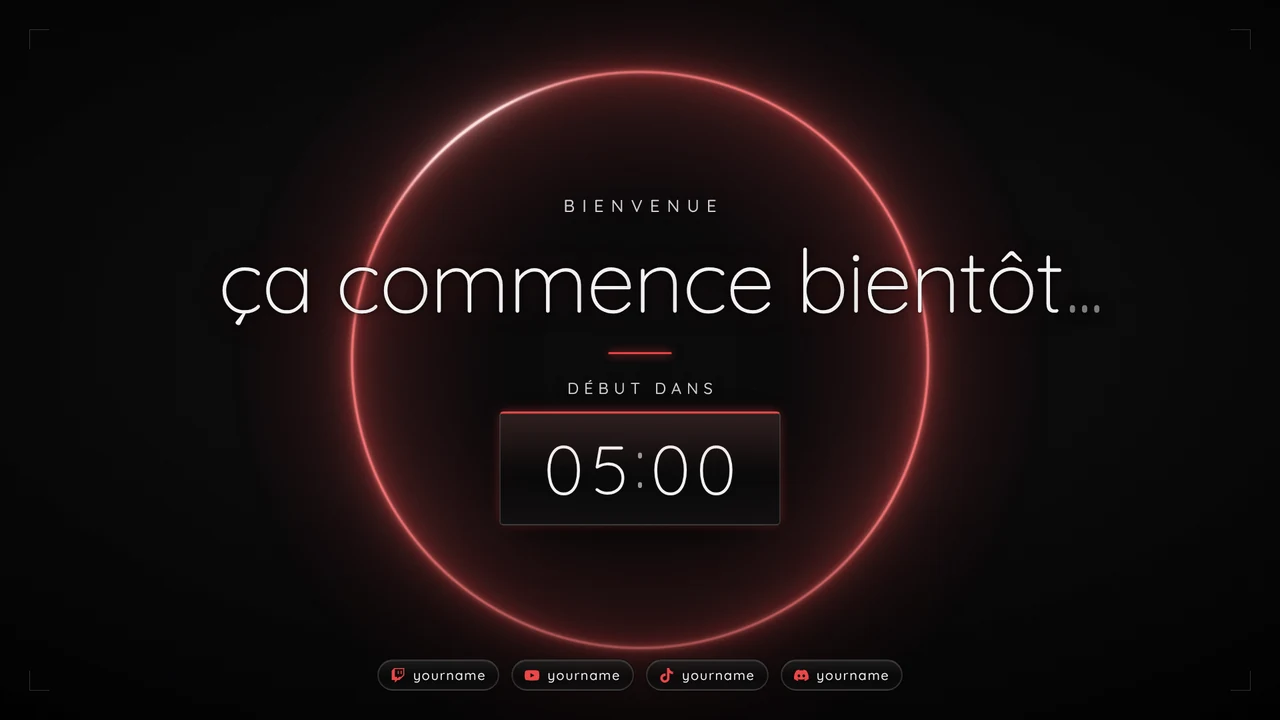
Start Here speaks English, German, Spanish and French, and one click puts your scene texts in the same language.
Social · 10 templates
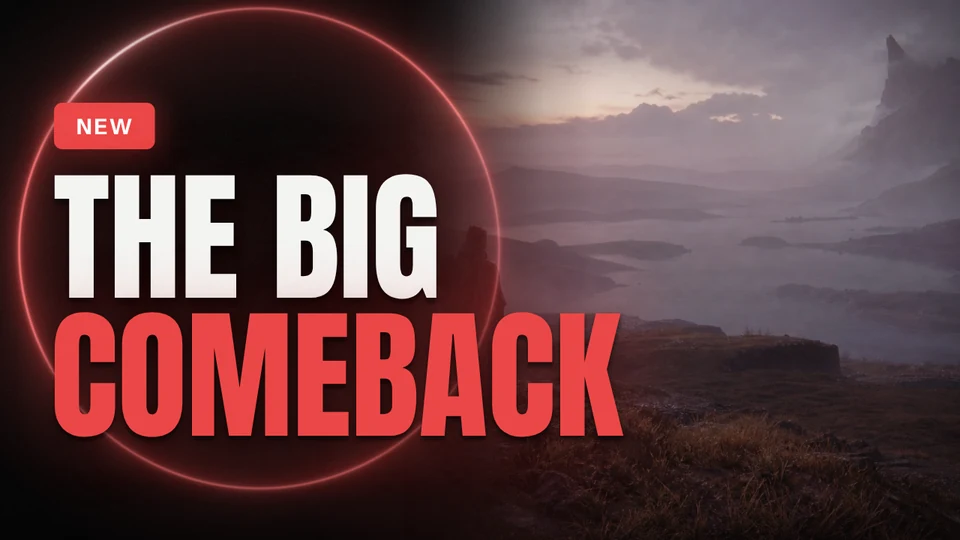
Thumbnails for YouTube, go-live posts for stories, Instagram, X and Bluesky, banners for Discord. Add your picture, change the words, download.
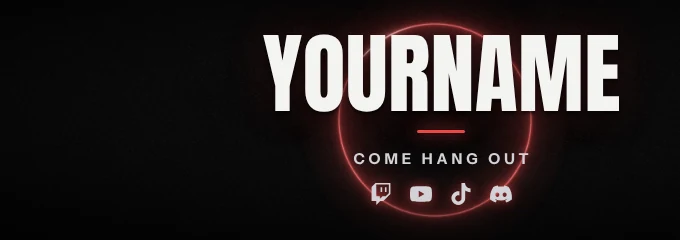
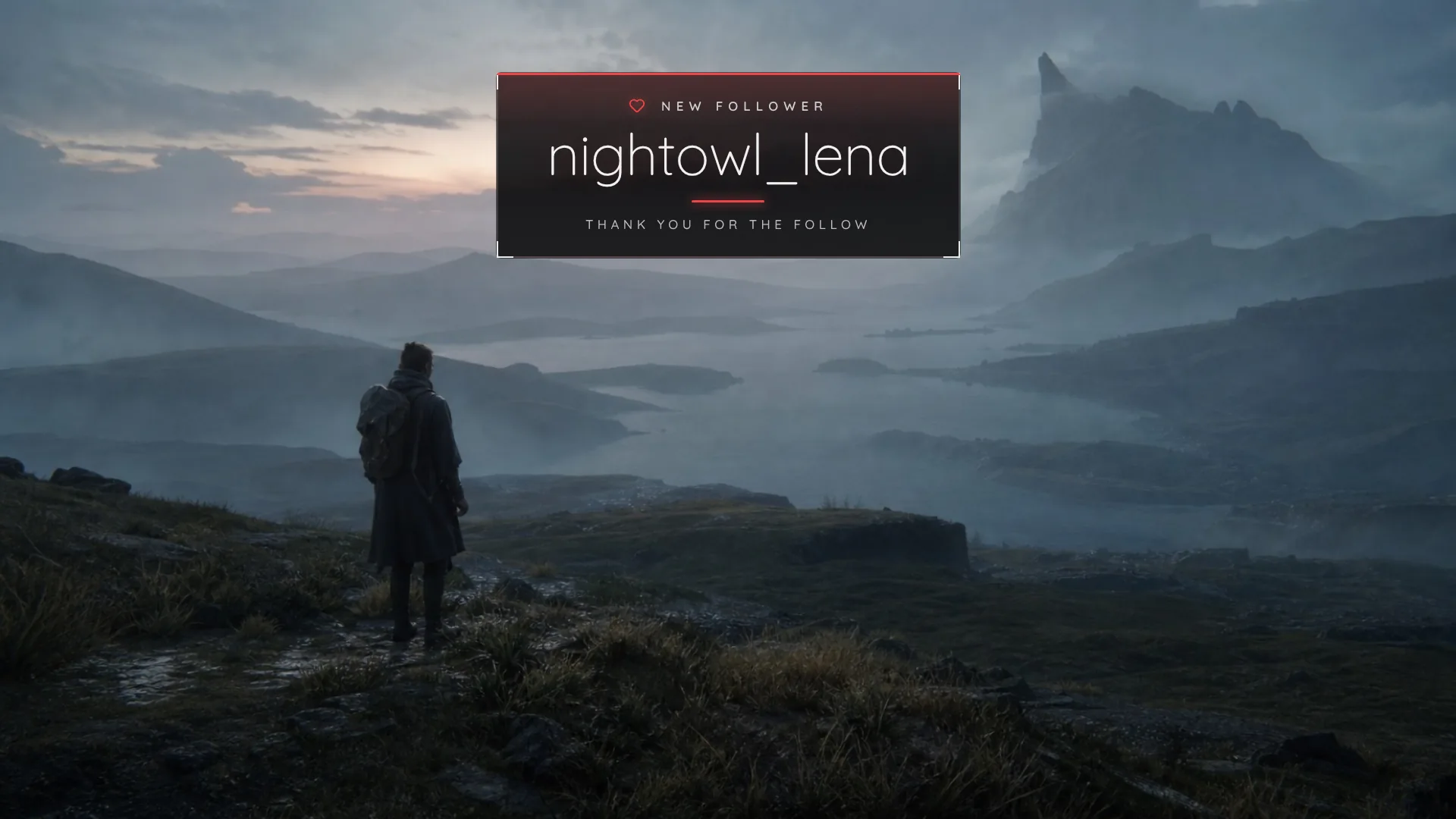
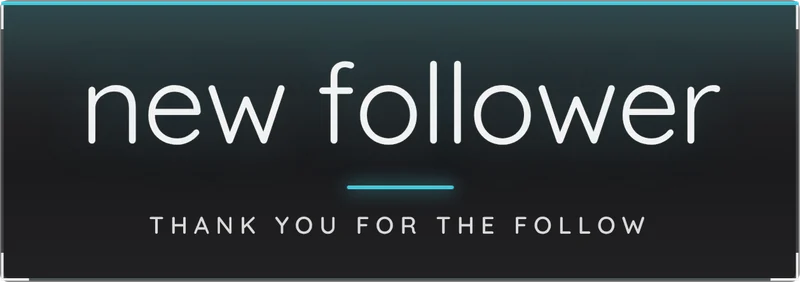
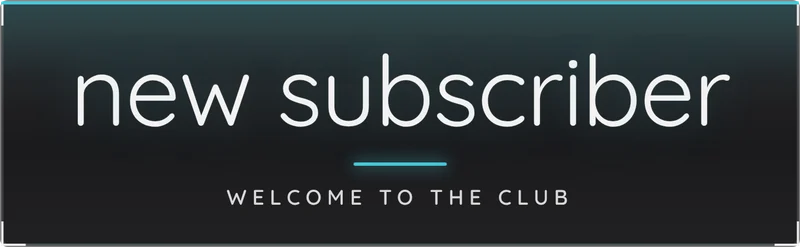
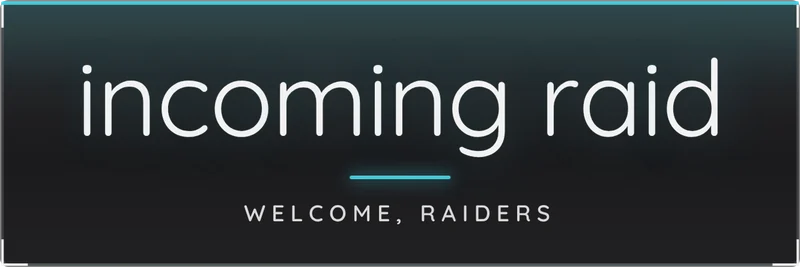
Test all six here, muted. In the pack each has its own sound: as a free StreamElements widget with your own texts, or as videos for any alert tool.
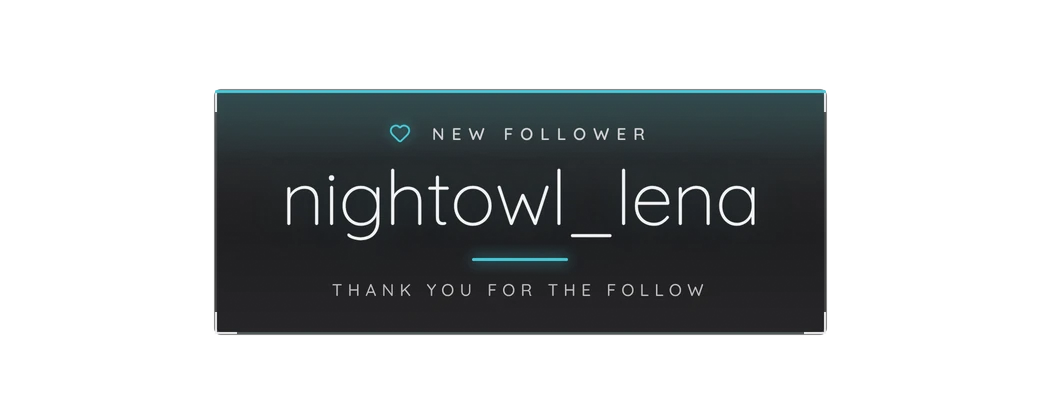
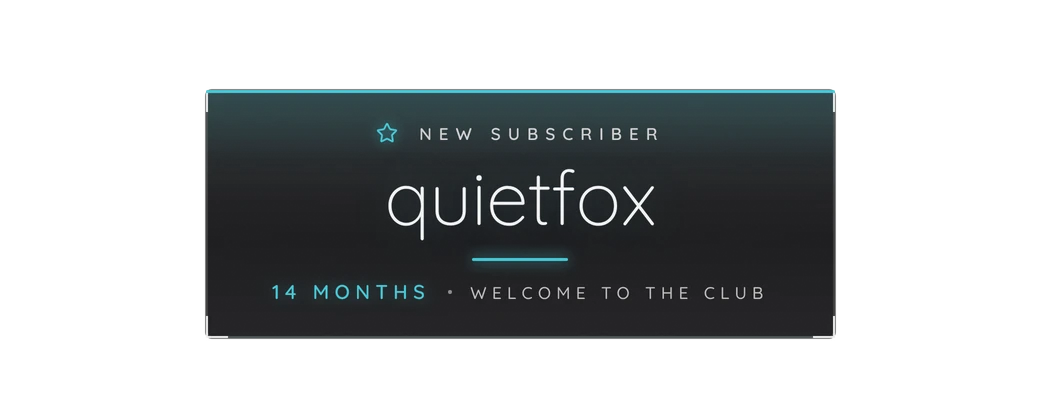
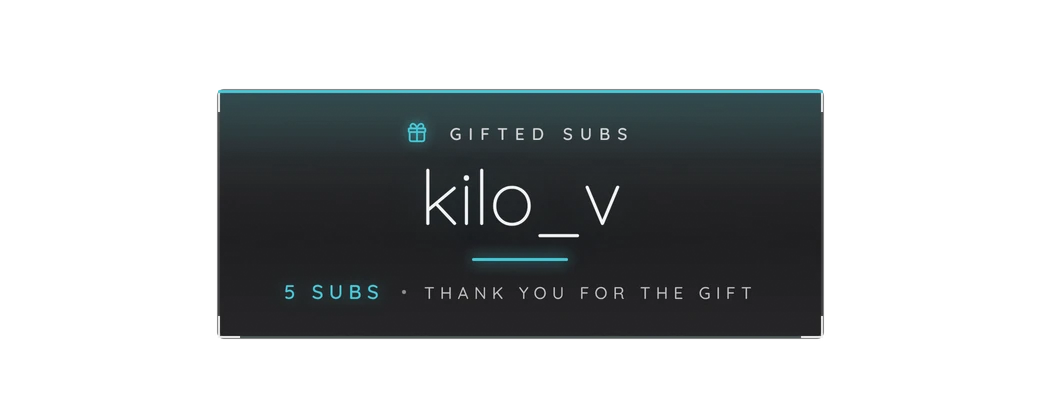
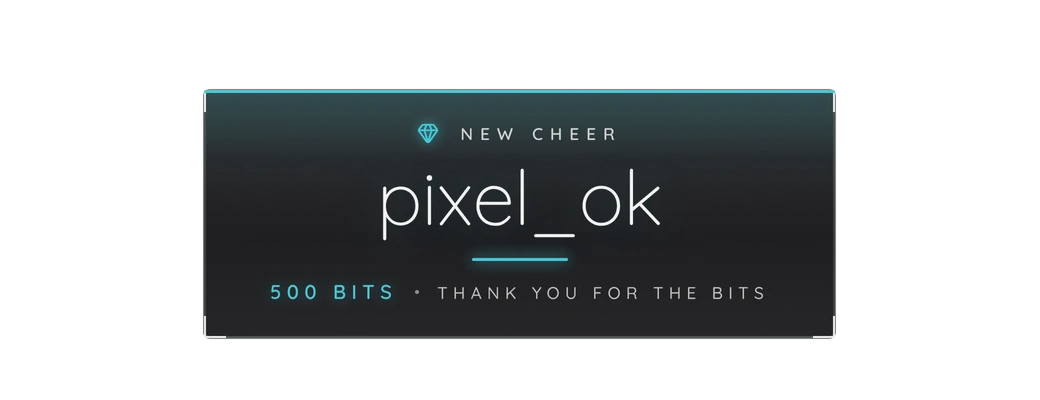
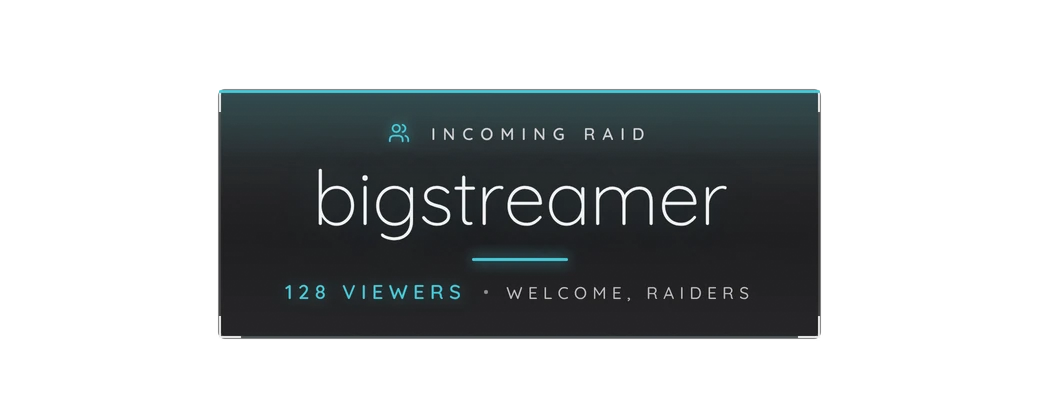
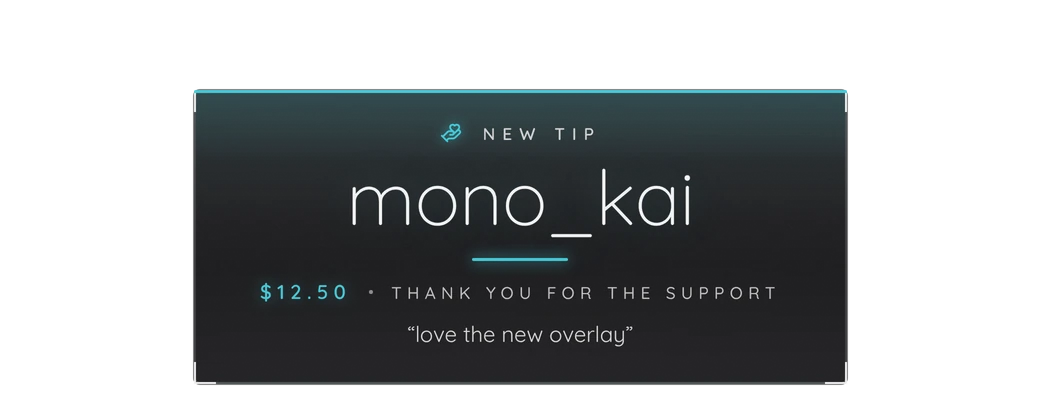
Now playing: New followerNew subscriberGifted subsNew cheerIncoming raidNew tipMuted preview · sound in the pack
No installer: Start Here opens in your browser, you make the pack yours, and it writes your OBS scene collection. Three steps from checkout to your first stream.
Two choices set the whole look: one of 12 colors for the accents and one of 14 moods for the background. Try them here on the Starting Soon scene. Want one color only? The single-color editions are cheaper.
Try it: pick a color and a mood.Every combination is included in the pack.
Want a different shade? Any color works, and Transparent puts your own image or video behind every scene.
8 chapters from Starting Soon to Offline: scenes, stinger, alerts, chat and moods, all from the pack.
01Starting Soon00:00:00
A welcome line and a countdown hold the room while viewers arrive.
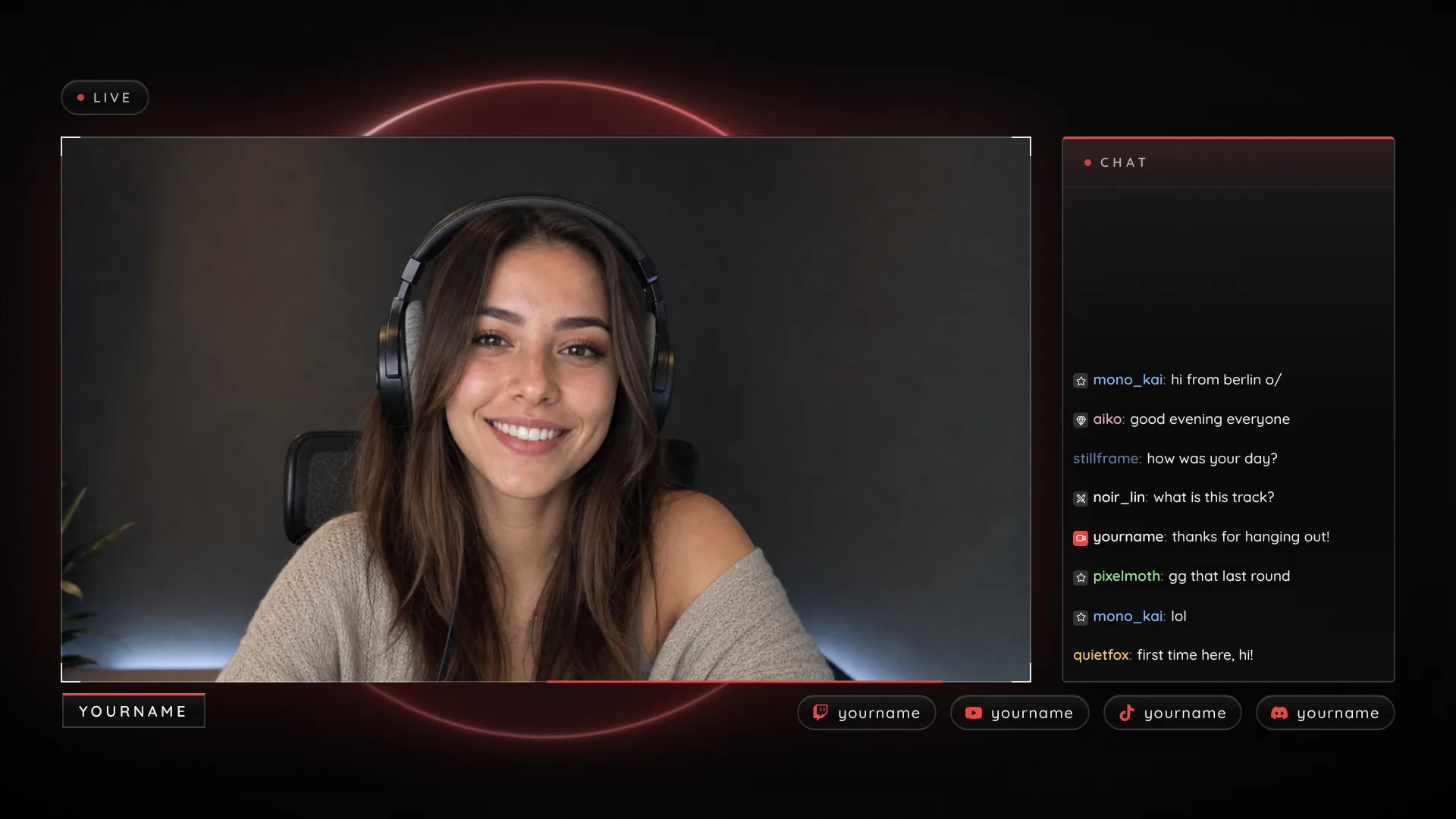
02Just Chatting00:05:00
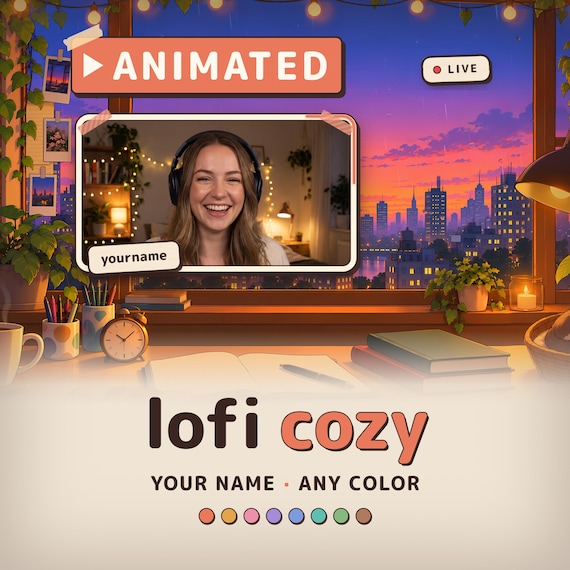
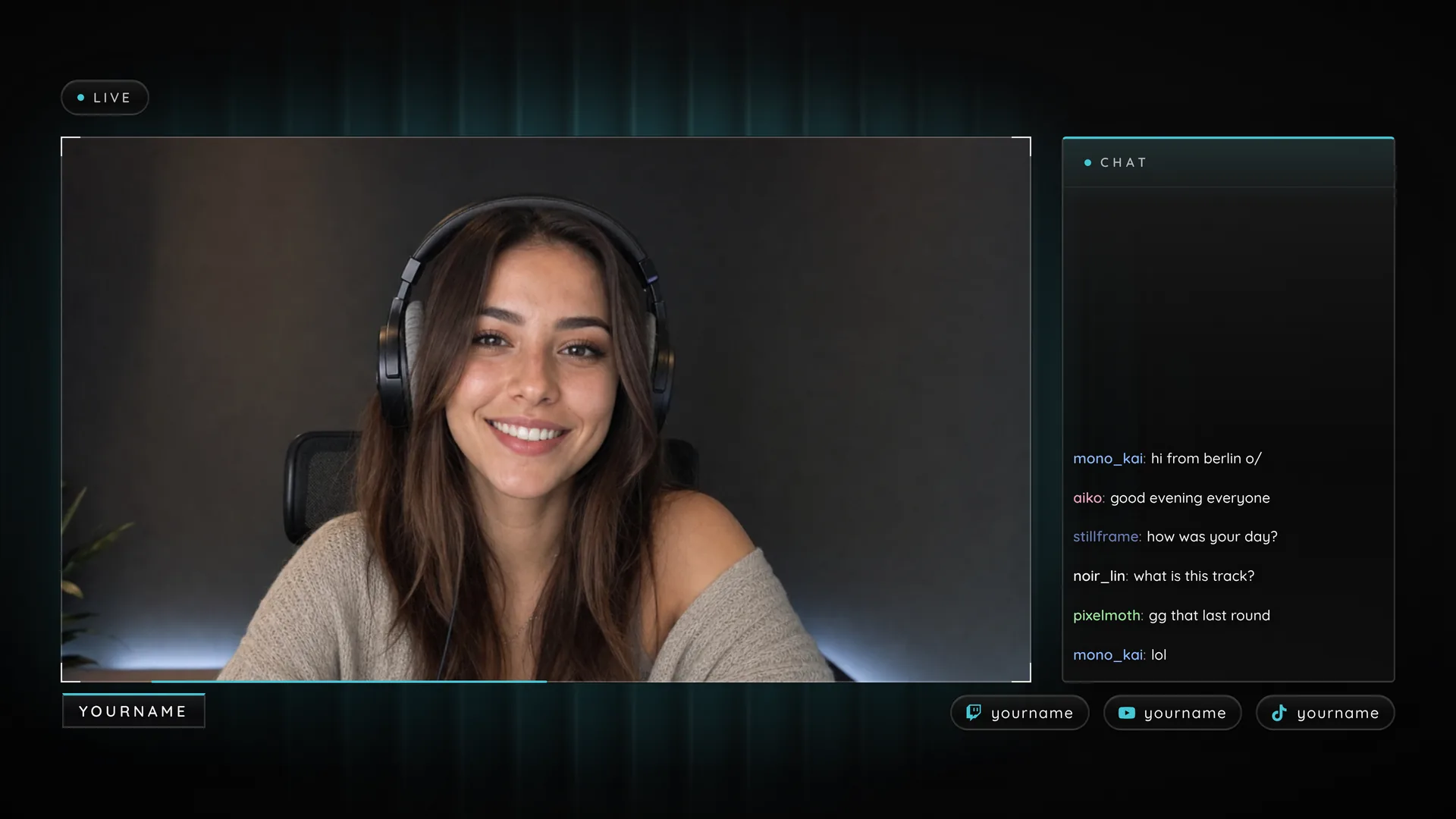
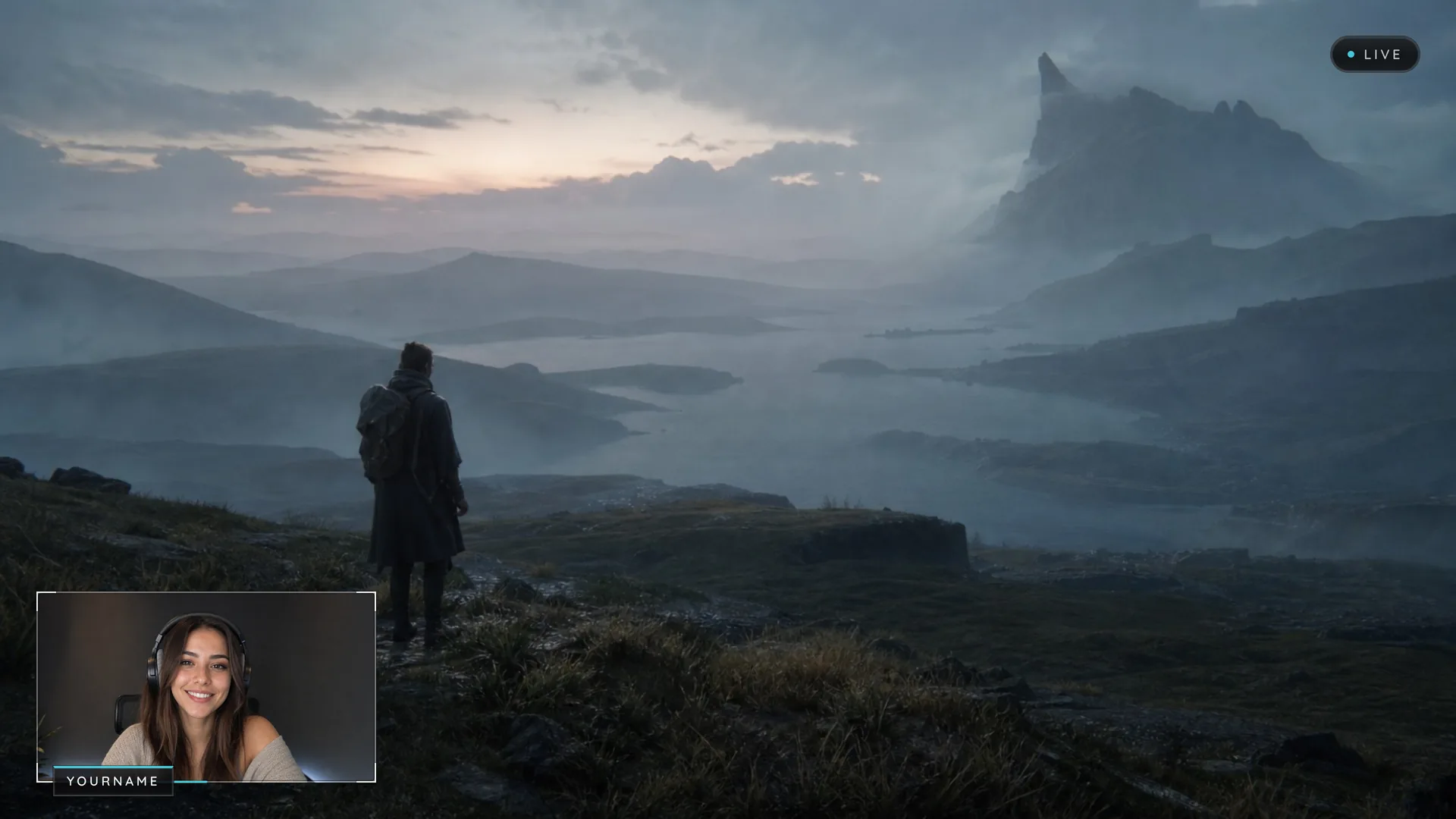
One cut and you're in: a big webcam frame with your name, and your chat right beside it.
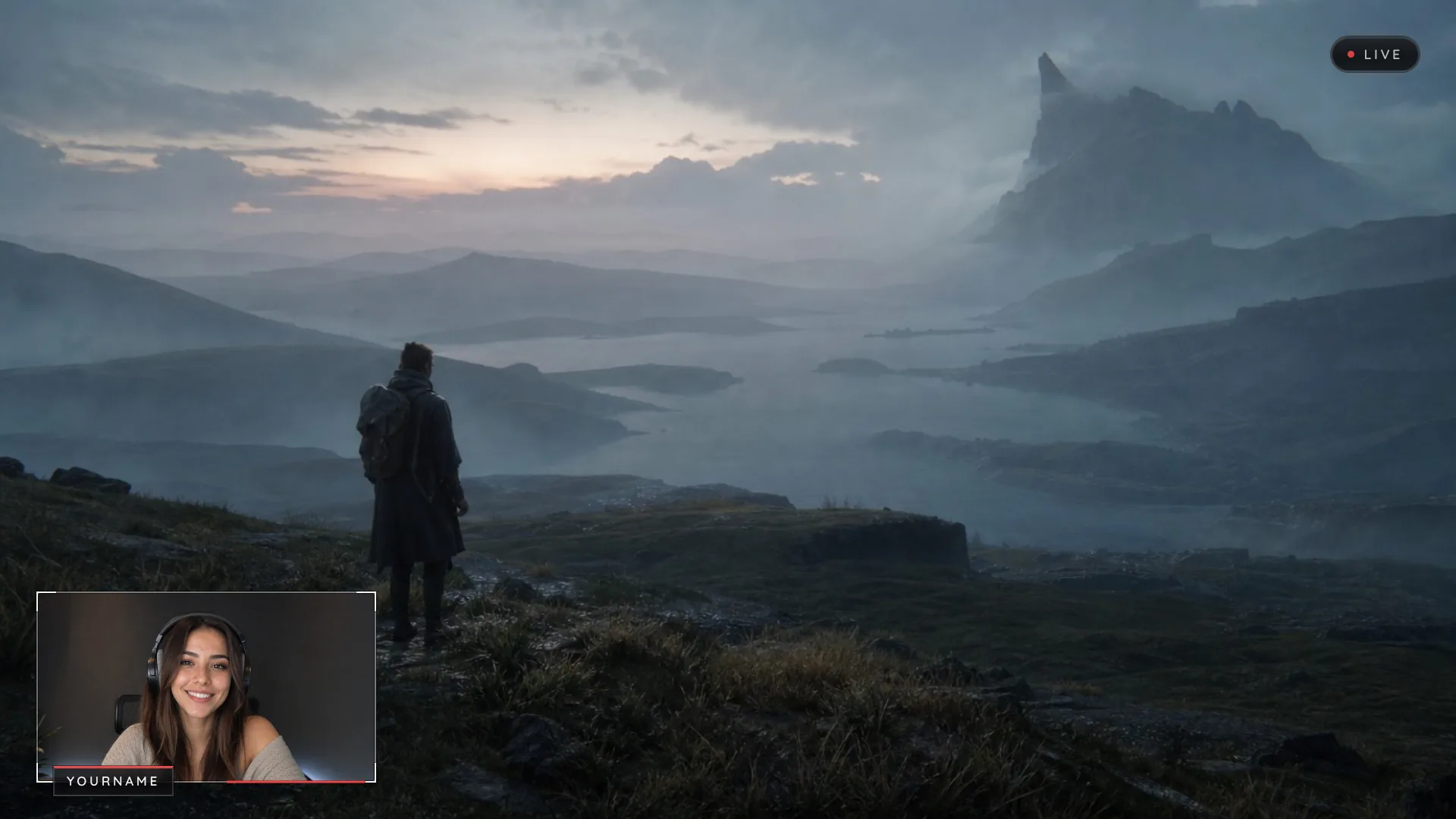
03Gameplay00:41:00
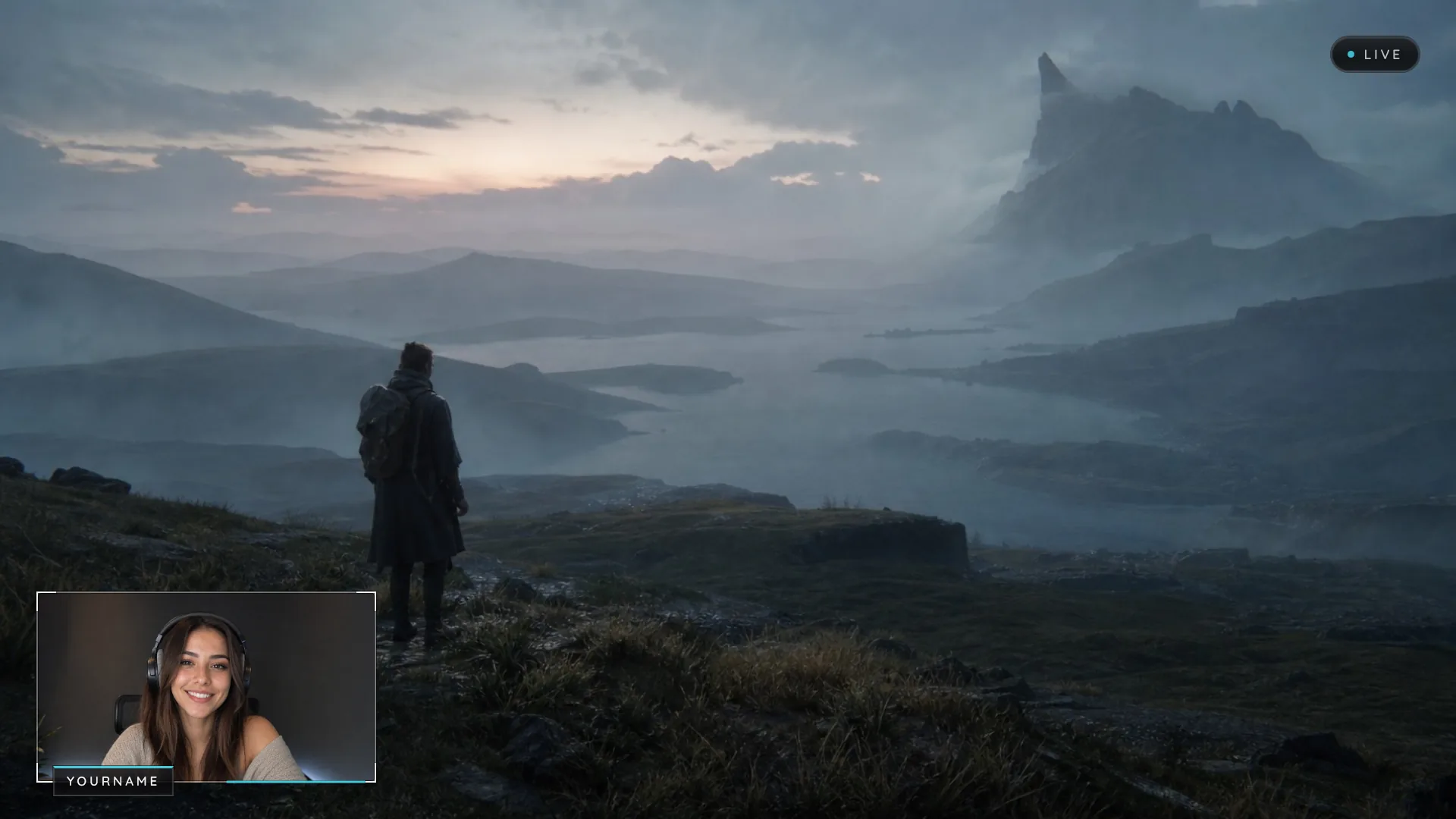
The game gets the screen. Your webcam frame takes the corner, name tag and all.
04Alerts01:22:00
Six alerts, all with sound.
05Themes and moods02:05:00
Twelve themes and fourteen moods, any color you like, or your own background behind every scene.
06Be Right Back02:48:00
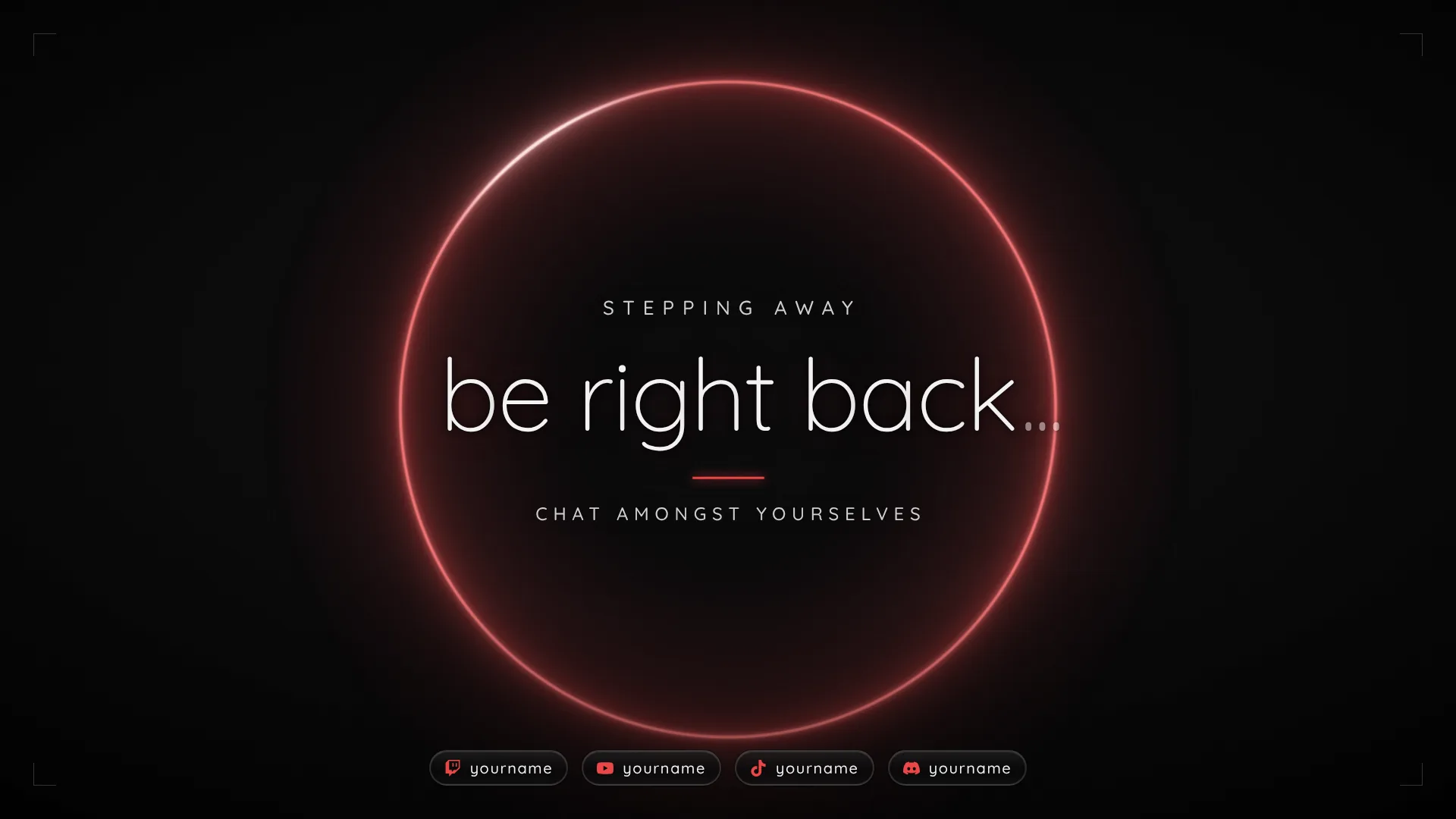
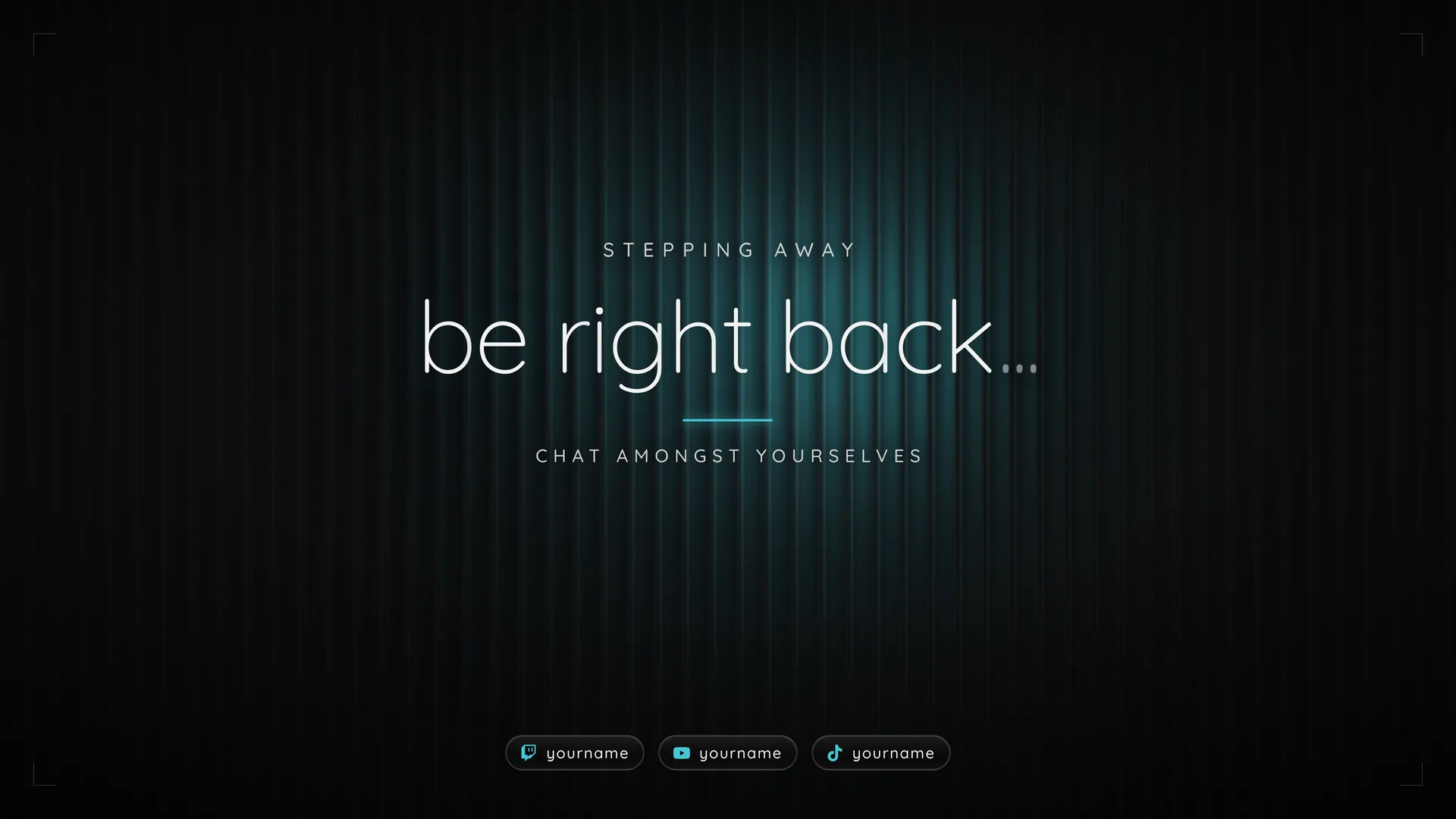
Step away for a minute. Be Right Back tells chat to talk amongst themselves.
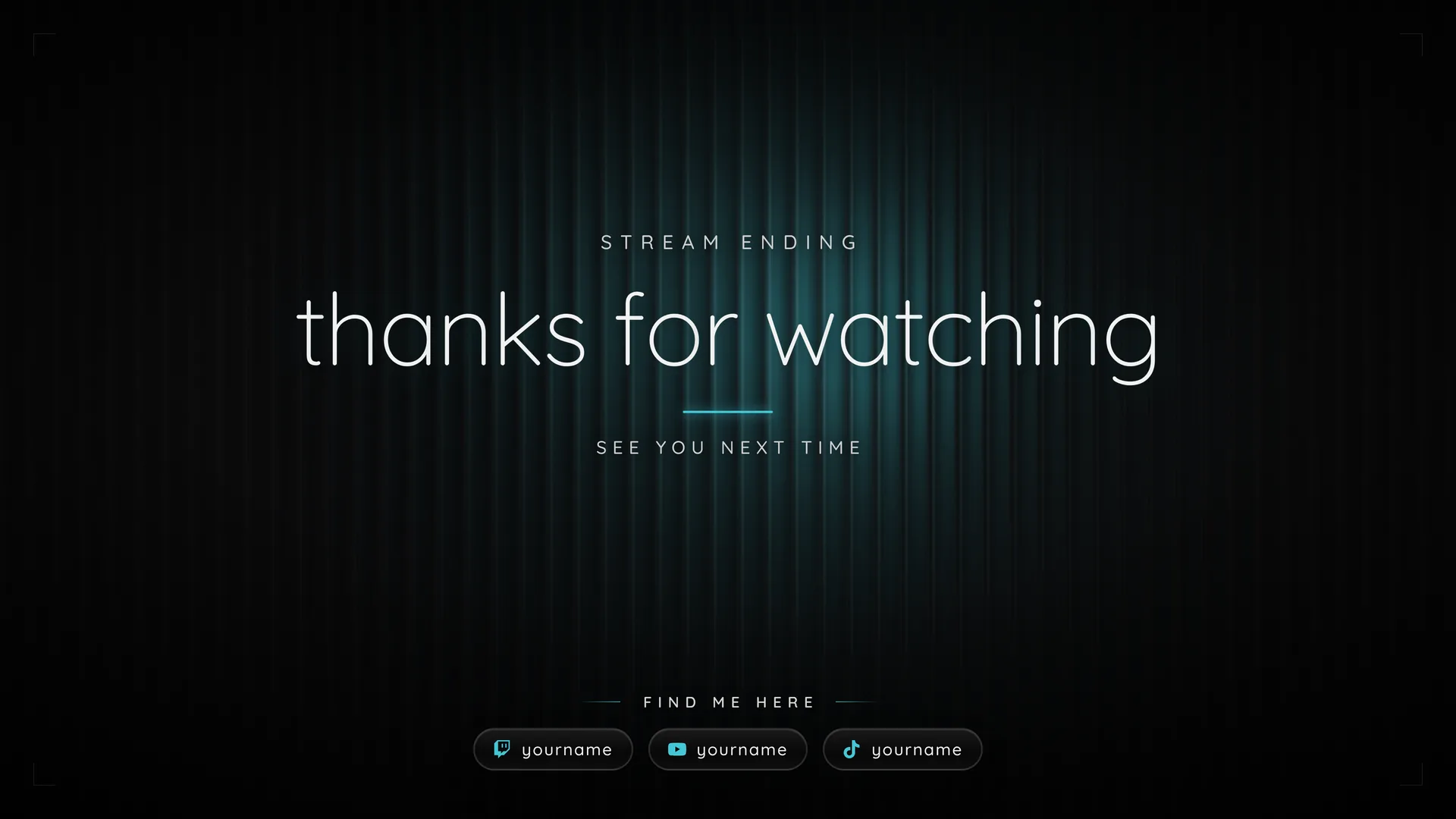
07Stream Ending02:56:00
Stream Ending says goodbye and shows viewers where to find you next.
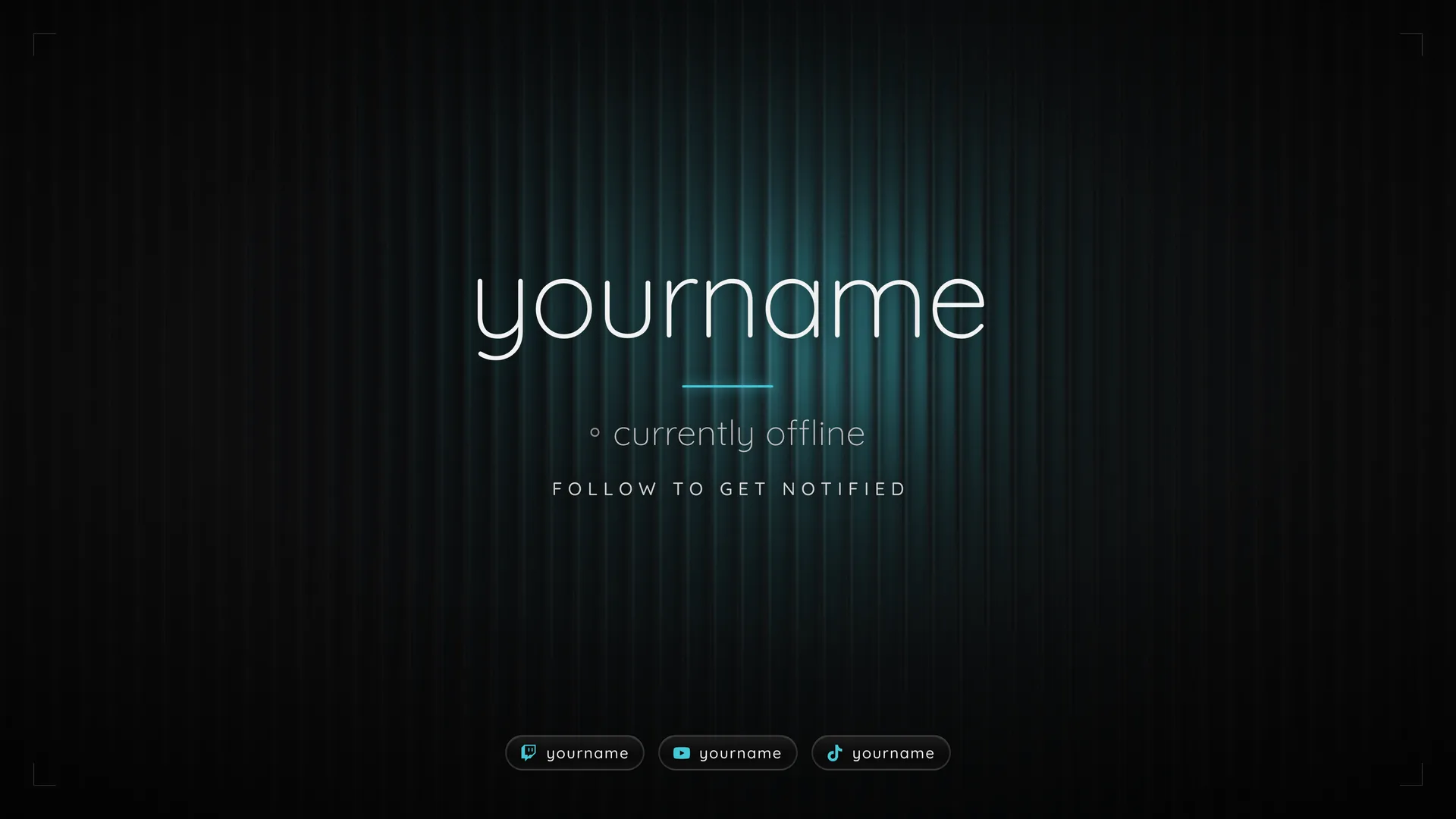
08Offline03:00:00
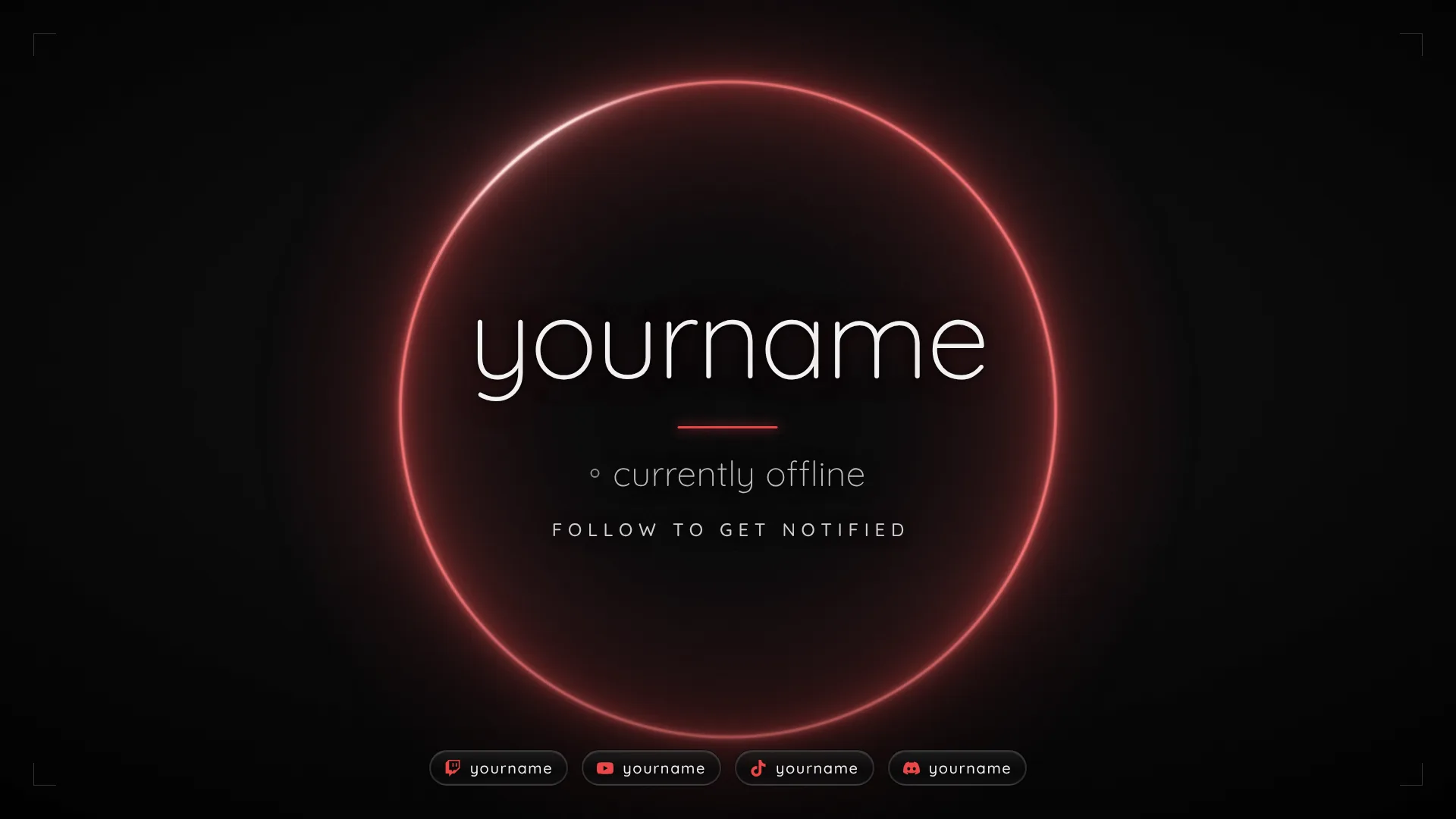
Offline keeps your name up between streams, so new visitors know to follow.
Tap a command and Pix answers in chat. Anything else, support is one message away.
 Pix is hereModPix: Welcome in! Tap a command below and I answer right away.ModPix: No installer and nothing to run outside your browser and OBS. The overlays work offline and only ever connect to Twitch chat and to OBS on your own computer. No trackers.
Nine scenes in two formats, six alerts and the stinger, set up from one page in your browser.